In today’s fast-paced business world, off-the-shelf software often falls short. Your operations are unique, your challenges specific, and your vision distinct. A generic Enterprise Resource Planning (ERP) system might offer a starting point, but true efficiency comes from tailoring it to your exact needs. This is where the ability to customize Odoo becomes a game-changer. It transforms a powerful platform into a perfect fit for your enterprise, driving significant growth and operational excellence.
As an Odoo consulting partner, Odiware Technologies understands this deeply. We see businesses struggling with systems that don’t quite align. They miss opportunities or waste time on manual workarounds. The power to customize Odoo is not just a technical feature; it’s a strategic advantage. It ensures your ERP system evolves with your business, rather than hindering it. Let’s explore why tailoring your Odoo instance is crucial for success in 2025 and beyond.
Why You Need to Customize Odoo for Business Growth
Your business isn’t a carbon copy of another. You have unique processes, specific customer interactions, and distinct competitive advantages. A standard Odoo installation, while robust, may not fully capture these nuances. When you customize Odoo, you ensure your ERP system truly reflects your operational reality. This alignment streamlines workflows, reduces manual errors, and boosts overall productivity.
Think about your sales pipeline or your manufacturing floor. Are there steps that are unique to your company? Do you have specialized reporting requirements that a standard module doesn’t cover? The ability to customize Odoo allows you to embed these unique elements directly into your system. This means your teams work within a familiar, optimized environment. They spend less time adapting to software and more time focusing on core business activities.
Beyond Out-of-the-Box: Tailoring Odoo to Your Operations
What does it truly mean to customize Odoo? It means adapting the software to fit your specific business processes, rather than forcing your business to fit the software. This can range from minor interface tweaks to entirely new modules. The goal is always to enhance efficiency, improve user experience, and provide better data insights. This level of tailoring ensures your Odoo system becomes a strategic asset, not just a tool.
Key Areas to Customize Odoo Effectively
There are several critical areas where customizing Odoo can deliver significant value. Focusing on these areas ensures your efforts translate into tangible business benefits.
User Interface and Experience (UI/UX)
A user-friendly interface is paramount for adoption and productivity. Customizing Odoo’s UI/UX involves adjusting layouts, fields, and colors to match your brand and user preferences. This isn’t just about aesthetics; it’s about making the system intuitive. When users find the system easy to navigate, they adopt it faster and make fewer mistakes. For deeper insights into personalizing your Odoo interface, consider exploring best practices for Odoo ERP customization.
Workflows and Business Logic
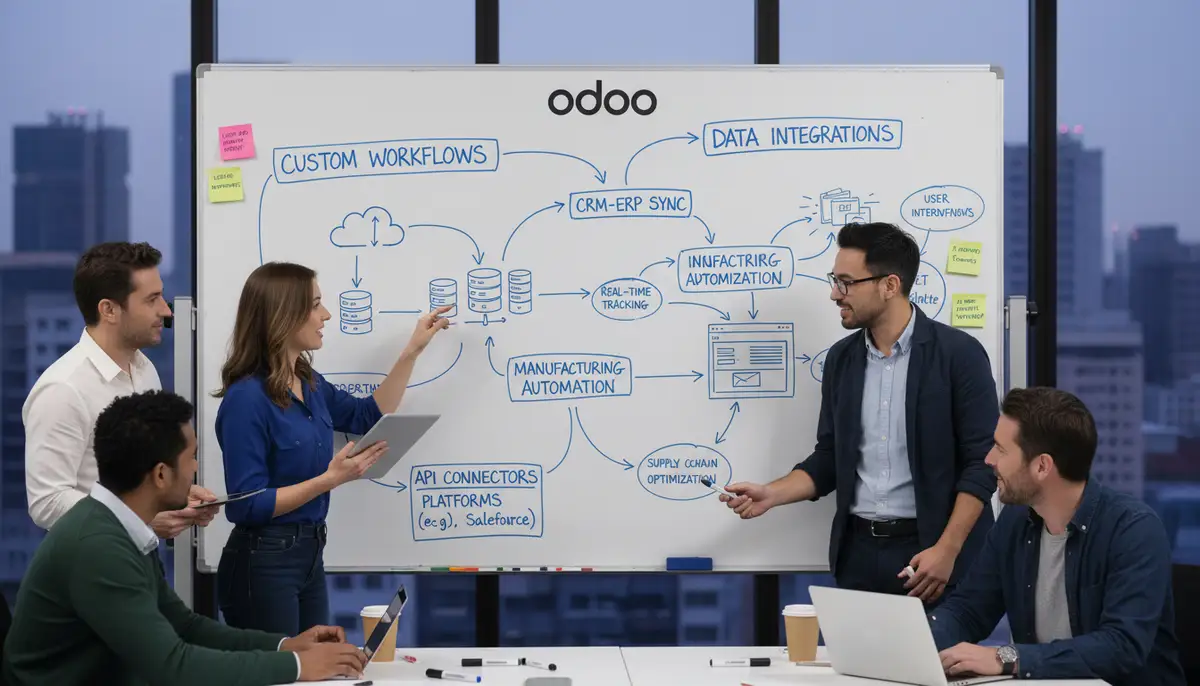
This is often the most impactful area to customize Odoo. Businesses frequently have unique approval flows, specific data validation rules, or specialized process steps. Customizing Odoo allows you to automate these complex workflows, ensuring consistency and compliance. For example, you might need to tailor how your customer portal interacts with internal sales processes. Understanding the power of a customer portal in Odoo can further illustrate this point.
Reporting and Analytics

Standard reports are useful, but custom reports provide the specific insights your decision-makers need. When you customize Odoo, you can create dashboards and analytical views that aggregate data precisely how you need it. This gives you a clear, real-time picture of your business performance. Tailored analytics help identify trends, pinpoint inefficiencies, and support strategic planning.
Integrations with External Systems
Your Odoo system rarely operates in a vacuum. It often needs to communicate with other software, like e-commerce platforms, payment gateways, or legacy systems. To customize Odoo effectively means building seamless integrations. These connections eliminate data silos, reduce manual data entry, and ensure a unified view of your business operations. Proper integration is key to a truly interconnected digital ecosystem.
Approaches to Customize Odoo: Tools and Techniques
There are various methods to customize Odoo, each suited for different levels of complexity and technical expertise. Choosing the right approach is crucial for a successful implementation.
Odoo Studio: Low-Code Customization
For many common customization needs, Odoo Studio is an incredibly powerful tool. It allows users to create new fields, customize views, automate actions, and build reports—often without writing a single line of code. This low-code approach empowers business users to make quick, impactful changes. If you want to explore its capabilities, you can learn more about Odoo Studio directly from Odoo.
Odoo Studio is excellent for quick adjustments and prototyping. It helps you tailor forms, lists, and dashboards to better suit your team’s daily tasks. This tool makes it easier to customize Odoo for immediate operational improvements. However, its capabilities have limits when facing highly complex or unique requirements.
Custom Modules and Development
When Odoo Studio reaches its limits, custom module development becomes necessary. This involves writing Python code for business logic, XML for views and data structures, and sometimes JavaScript for advanced front-end interactions. This approach allows for virtually limitless customization, enabling you to build entirely new functionalities or deeply modify existing ones. For those interested in the technical aspects, Odoo provides extensive documentation, including how to create a new JavaScript view from scratch.
Developing custom modules requires specialized technical expertise. It ensures your Odoo system precisely matches your most intricate business requirements. This is where a skilled Odoo consulting partner like Odiware Technologies truly shines. We help design and develop robust custom solutions that integrate seamlessly with your existing Odoo environment. This ensures your ability to customize Odoo is both powerful and sustainable.
Theme Customization
Beyond functional changes, you can also customize Odoo’s visual theme. This includes changing colors, fonts, and logos to align with your corporate branding. A well-branded Odoo interface fosters a sense of ownership and professionalism among users. It also provides a consistent experience across all your digital touchpoints.
| Customization Approach | Complexity | Technical Skill Required | Use Cases |
|---|---|---|---|
| Odoo Studio | Low to Medium | Low (Business User) | Field additions, view adjustments, simple automations |
| Custom Modules | Medium to High | High (Developer) | New functionalities, complex logic, deep integrations |
| Theme Customization | Low | Low to Medium (Designer/Developer) | Branding, UI aesthetics, consistent look and feel |
Best Practices When You Customize Odoo
Approaching customization strategically is key to long-term success. Here are some best practices we advocate at Odiware Technologies:
- Clearly Define Requirements: Before you customize Odoo, have a precise understanding of what you need and why. Document your processes thoroughly.
- Prioritize Standard Features: Always try to use Odoo’s out-of-the-box features first. Customization should be a last resort for unique needs.
- Keep it Simple: Avoid over-engineering. The simpler the customization, the easier it is to maintain and upgrade.
- Document Everything: Maintain detailed documentation of all customizations. This is vital for future maintenance and new team members.
- Thorough Testing: Always test your customizations rigorously. Ensure they work as expected and don’t break existing functionalities.
- Plan for Upgrades: Consider how your customizations will impact future Odoo upgrades. Design them to be upgrade-friendly.
Many companies, including those working with providers like odooimplementers.com, emphasize these principles. A well-planned customization strategy saves time and money in the long run.
Common Pitfalls to Avoid When You Customize Odoo
While the benefits of tailoring your Odoo system are clear, there are common mistakes that can derail your efforts. Understanding these pitfalls helps you navigate your customization journey more smoothly.
- Over-Customization: Adding too many unnecessary features can make your system complex and difficult to manage. It also increases maintenance costs.
- Ignoring Future Upgrades: Customizations can complicate future Odoo version upgrades. Not planning for this can lead to significant rework or being stuck on an old version.
- Lack of Documentation: Without proper documentation, understanding and maintaining customizations becomes a nightmare for new developers or support teams.
- Poorly Written Code: Substandard code can introduce bugs, performance issues, and security vulnerabilities. Always prioritize quality development.
- Not Involving End-Users: Customizations should solve real user problems. Failing to involve end-users in the design process can lead to low adoption and dissatisfaction.
These issues are common challenges faced by businesses, regardless of whether they choose a cloud ERP vs traditional ERP solution. Even well-known integrators like serpentcs.com face these considerations when delivering tailored solutions. Avoiding these pitfalls requires foresight and expertise.
When to Engage an Odoo Consulting Partner like Odiware
While Odoo Studio offers accessible customization, complex requirements often demand expert intervention. Knowing when to call in a specialist can save you time, money, and headaches. Here are key scenarios where Odiware Technologies, your trusted Odoo consulting partner, can provide invaluable assistance:
- Complex Business Logic: If your customization involves intricate business rules, multiple data dependencies, or advanced automation, professional developers are essential.
- Integrations with Legacy Systems: Connecting Odoo to older, proprietary systems requires deep technical knowledge and experience with various APIs and data formats.
- Performance Optimization: Poorly implemented customizations can slow down your Odoo system. Consultants optimize code and database queries for peak performance.
- Scalability Planning: As your business grows, your Odoo system must scale. Experts design customizations with future expansion in mind, preventing bottlenecks.
- Upgrade Strategy: A consultant helps you plan for Odoo upgrades, ensuring your customizations remain compatible and minimizing disruption.
- Risk Mitigation: Consultants identify potential risks associated with customization, such as security vulnerabilities or data integrity issues, and implement safeguards.
Odiware Technologies specializes in Odoo ERP implementation and custom software solutions. We help businesses streamline operations and enhance productivity by leveraging our deep expertise to customize Odoo effectively and sustainably. Our approach ensures your tailored solution delivers tangible business value, much like the quality expected from leading firms such as cybrosys.com.
Frequently Asked Questions about Customizing Odoo
Can I customize Odoo without coding?
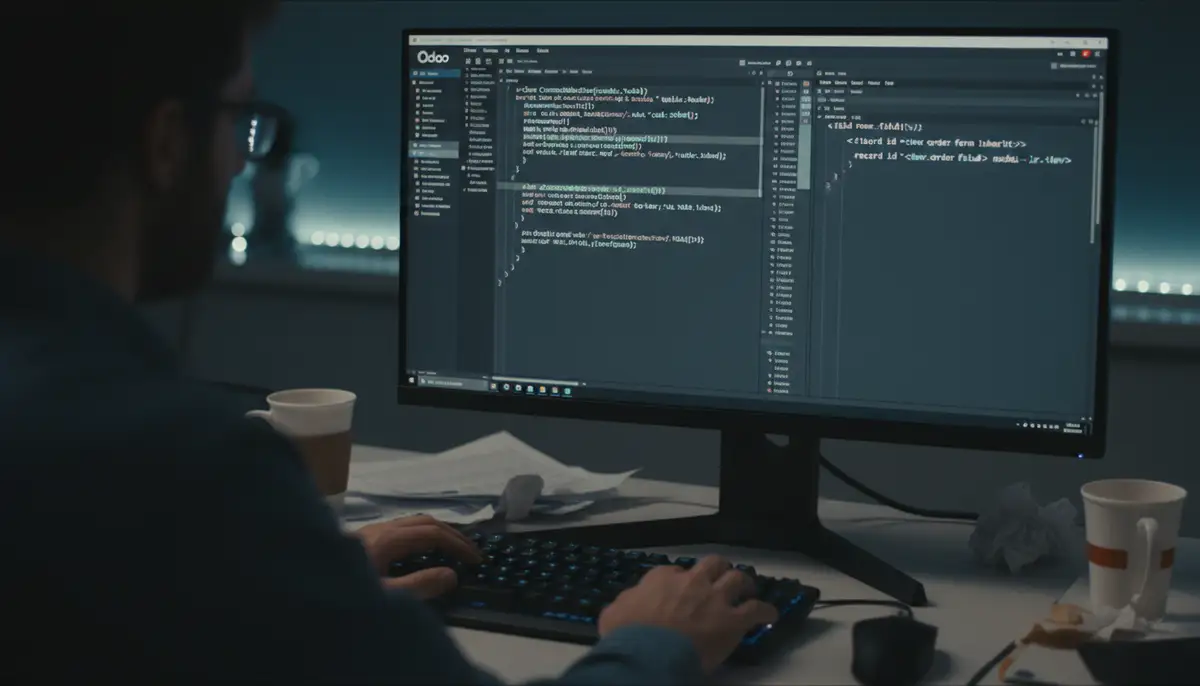
Yes, for many common needs, you can customize Odoo using Odoo Studio. This low-code tool lets you add fields, modify views, and automate actions without writing code. For more advanced or unique requirements, coding is often necessary.
How does customization impact Odoo upgrades?
Customizations can make Odoo upgrades more complex. Well-designed, modular customizations are easier to upgrade. Poorly implemented ones might require significant rework. Planning for upgrades during the initial customization phase is crucial.
What is the typical cost to customize Odoo?
The cost to customize Odoo varies widely. It depends on the complexity, the number of modules involved, and the development hours required. Simple changes using Odoo Studio are inexpensive, while custom module development can be a significant investment. It’s best to get a detailed quote from an Odoo partner.
How long does it take to customize Odoo?
Timelines for Odoo customization depend on the scope. Minor UI tweaks might take hours or days. Developing complex custom modules or integrations can take weeks or even months. A thorough analysis and clear requirements help define realistic timelines.
Is it possible to customize Odoo for specific industry needs?
Absolutely. Odoo’s modular architecture makes it highly adaptable. You can customize Odoo to meet the specific requirements of almost any industry, from manufacturing and retail to healthcare and services. This is a core strength of the platform.
For a practical example of how Odoo customization can enhance specific functionalities, especially in e-commerce, you might find this video helpful:
Conclusion: Partnering for a Tailored Odoo Future
The ability to customize Odoo is not just a technical option; it’s a strategic imperative for businesses aiming for peak performance. It allows you to transform a powerful ERP into a perfectly aligned system that supports your unique operations and growth ambitions. By carefully planning your customizations and adhering to best practices, you unlock Odoo’s full potential.
However, navigating the complexities of Odoo customization requires expertise. This is where Odiware Technologies steps in. As experienced Odoo consultants, we guide you through every step, from requirements gathering to seamless implementation and ongoing support. We ensure your investment in Odoo delivers maximum ROI, helping you to customize Odoo effectively and sustainably.
Don’t let a generic ERP hold your business back. Embrace the power to customize Odoo and build a system that truly works for you. If you’re ready to explore how tailored Odoo solutions can transform your business, we invite you to Contact us today for a consultation. Let’s build your optimized Odoo future together.