


The Strategic Advantage of Barcode Odoo for Modern Businesses
In today’s fast-paced business world, efficient inventory management is not just an advantage; it is a necessity. Businesses face constant pressure to reduce costs, minimize errors, and deliver products faster. This is where a robust system like barcode Odoo becomes indispensable. It transforms how you manage stock, from receiving goods to dispatching orders. Understanding the full potential of barcode Odoo can revolutionize your operations. It provides clear visibility and control over your entire inventory.
As experienced Odoo consultants at Odiware Technologies, we have seen firsthand how integrating barcode solutions can streamline complex supply chains. This article explores the strategic advantages of barcode Odoo. We will discuss best practices, common challenges, and how expert guidance can maximize your investment. Our goal is to help you see beyond the scanner and understand the profound business impact.
What is Barcode Odoo and Why Does it Matter?
At its core, barcode Odoo is a powerful module within the Odoo ERP system. It uses barcodes to track and manage inventory movements. This includes everything from product identification to warehouse operations. Traditional, manual inventory processes are prone to human error. They are also incredibly time-consuming. Barcode Odoo eliminates these inefficiencies by automating data capture. This ensures accuracy and speeds up operations significantly.
Why does this matter for your business? Imagine reducing stock discrepancies to near zero. Think about fulfilling orders faster and with fewer mistakes. Barcode Odoo makes this possible. It provides real-time data on stock levels, locations, and movements. This empowers better decision-making and optimizes your entire supply chain. It is a critical tool for any business looking to enhance operational efficiency and gain a competitive edge.
Core Capabilities of Barcode Odoo
The barcode Odoo module offers a comprehensive suite of features. These features are designed to cover various aspects of inventory and warehouse management. Let’s explore some of its key capabilities.
- Efficient Inventory Operations: From inbound logistics (receiving, putaway) to outbound (picking, packing, shipping), barcode Odoo streamlines every step. You can scan products to confirm receipt, move them to specific locations, and verify outgoing orders. This drastically reduces manual data entry and associated errors.
- Product and Packaging Barcodes: Odoo allows you to assign unique barcodes to individual products. You can also assign them to different product packagings, like boxes or pallets. This flexibility supports various scanning needs and inventory structures. For a deeper dive into how Odoo handles barcodes, you can refer to the official Odoo documentation on barcodes.
- Manufacturing Integration: In manufacturing environments, barcode Odoo tracks raw materials and finished goods. It helps manage work orders and ensures components are available when needed. This integration minimizes production delays and optimizes material flow.
- Point of Sale (POS) Acceleration: For retail businesses, barcode Odoo seamlessly integrates with the POS system. This speeds up checkout processes and ensures accurate sales records. It also updates inventory levels in real time.
- Real-time Stock Visibility: With every scan, Odoo updates your inventory records. This gives you an accurate, up-to-the-minute view of your stock. Such visibility is crucial for demand forecasting and preventing stockouts or overstocking.
Best Practices for Implementing Barcode Odoo
Implementing barcode Odoo is more than just installing software. It requires careful planning and strategic execution. Following best practices ensures a smooth transition and maximizes your return on investment.
Strategic Planning and Needs Assessment
Before anything else, understand your current inventory processes. Identify pain points and areas for improvement. Define clear objectives for your barcode Odoo implementation. What do you want to achieve? Is it faster picking, reduced errors, or better stock visibility? A thorough needs assessment guides the entire project. It helps tailor the solution to your specific business requirements. This foundational step is critical for success.
Hardware Selection and Infrastructure
Choosing the right hardware is crucial for effective barcode Odoo operations. This includes barcode scanners, printers, and potentially mobile devices. Consider factors like scanner durability, battery life, and connectivity. Will your warehouse need rugged scanners? Do you need portable printers for on-the-spot labeling? Ensure your network infrastructure supports seamless data transfer. Reliable hardware prevents bottlenecks and ensures consistent performance.
Barcode Label Design and Standards
The design of your barcode labels impacts scanning efficiency. Use clear, scannable barcodes with appropriate symbologies. Ensure labels contain all necessary information, such as product ID, lot number, or serial number. Standardize your labeling process across all products and locations. This consistency minimizes errors and speeds up scanning. Proper label design is a small detail with a big impact on your barcode Odoo system.
Data Accuracy and Validation
Garbage in, garbage out. The success of barcode Odoo depends on accurate master data. Clean up your existing product data before implementation. Establish robust data validation processes. This ensures that only correct information enters the system. Regular audits help maintain data integrity. Accurate data provides reliable insights and prevents costly errors.
Comprehensive Team Training
Your team is your most valuable asset. Provide thorough training on how to use barcode Odoo and the associated hardware. Explain the ‘why’ behind the new processes, not just the ‘how’. Empower your employees to use the system effectively. Ongoing support and refresher training are also vital. Well-trained staff ensures smooth adoption and maximizes the benefits of your barcode Odoo system. For a more general view on how Odoo can transform your business, explore the benefits of Odoo for modern enterprises.
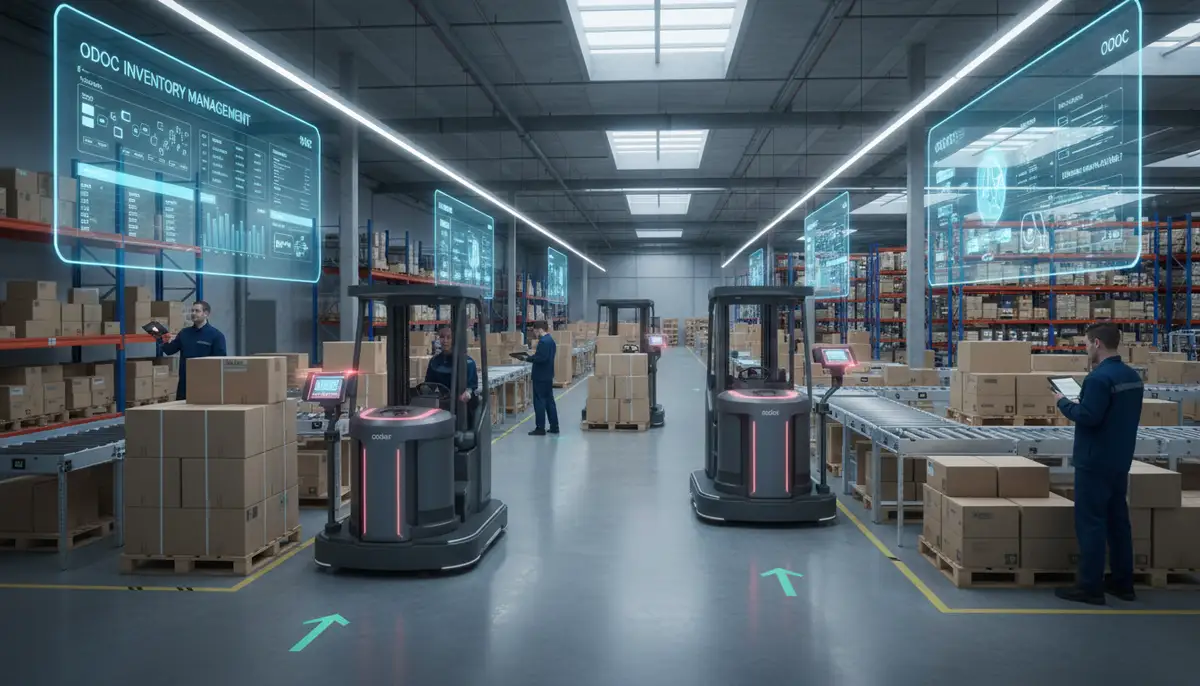
Common Pitfalls and How to Avoid Them with Barcode Odoo
Even with the best intentions, businesses can encounter challenges during barcode Odoo implementation. Recognizing these common pitfalls helps you proactively avoid them. This saves time, money, and frustration.
- Ignoring Initial Data Cleanup: Many businesses underestimate the importance of cleaning their existing product and inventory data. Starting with messy data leads to errors and distrust in the new system.
- Underestimating Training Needs: Assuming employees will quickly adapt without proper training is a common mistake. Lack of training leads to incorrect usage and resistance to change.
- Choosing Incompatible or Substandard Hardware: Selecting scanners or printers that don’t integrate well with Odoo, or are not robust enough for your environment, causes frequent breakdowns and inefficiencies.
- Lack of System Integration Planning: Failing to consider how barcode Odoo will integrate with other modules (like sales, purchasing, or manufacturing) creates data silos and inefficiencies.
- Not Leveraging Odoo’s Full Potential: Many users only scratch the surface of barcode Odoo’s capabilities. They miss out on advanced features like lot tracking, serial numbers, or custom workflows.
To counteract these issues, invest time in data preparation and comprehensive training. Partner with experienced consultants who understand Odoo’s ecosystem. They can guide you through hardware selection and integration planning. This proactive approach ensures your barcode Odoo implementation is a success.
| Common Mistake | Impact on Barcode Odoo | Solution/Best Practice |
|---|---|---|
| Poor Data Quality | Inaccurate inventory counts, wrong shipments | Perform thorough data audit and cleanup before go-live. |
| Insufficient Training | Slow adoption, user errors, resistance | Implement comprehensive, hands-on training for all users. |
| Wrong Hardware Choice | Frequent equipment failures, slow scanning | Consult experts for hardware recommendations tailored to your environment. |
| Lack of Integration | Disjointed processes, manual data transfer | Plan for seamless integration with other Odoo modules and external systems. |
| Limited Feature Use | Missed opportunities for efficiency gains | Work with consultants to explore and implement advanced barcode Odoo features. |
Beyond Basic Barcoding: Advanced Barcode Odoo Strategies
While basic barcode scanning offers significant improvements, barcode Odoo can do much more. Advanced strategies unlock even greater efficiencies and deeper insights. This moves you beyond simple stock tracking to a truly optimized operation.
Serial Number and Lot Tracking
For industries requiring precise traceability, barcode Odoo supports serial number and lot tracking. This allows you to track individual items or batches of products. It is crucial for quality control, warranty management, and recall processes. You can trace every movement of a specific item from receipt to sale. This level of detail provides invaluable data for compliance and customer service.
Multi-location and Multi-company Setups
Many businesses operate across multiple warehouses or even multiple legal entities. Barcode Odoo efficiently manages inventory across these complex structures. It provides a unified view of stock levels across all locations. This simplifies inter-warehouse transfers and improves overall logistics coordination. This scalability is a key advantage for growing enterprises.
Custom Barcode Scenarios and Workflows
Your business might have unique operational requirements. Odoo’s flexibility allows for custom barcode scenarios and workflows. This could involve specific scanning sequences or automated actions triggered by a scan. Tailoring the system to your exact needs maximizes efficiency. This customization ensures barcode Odoo fits your operations like a glove. To learn more about using Odoo Barcode effectively, consider exploring the Odoo Barcode video courses and quizzes.
Integrating barcode Odoo with other Odoo modules amplifies its power. For instance, linking it with manufacturing helps track components through production. Integrating with sales ensures accurate order fulfillment. Furthermore, a strong integration with financial modules can streamline processes like mastering accounting in Odoo by providing accurate stock valuation data. This holistic approach creates a truly unified ERP system. You can also gain deeper insights into logistics management by watching this comprehensive video:
.
When to Engage an Odoo Consultant for Barcode Odoo Implementation
While Odoo is user-friendly, complex implementations benefit greatly from expert guidance. Knowing when to involve an Odoo consultant can save significant time and resources. It ensures your barcode Odoo system is optimized for your unique business needs.
Complex Inventory Structures
Do you manage thousands of SKUs? Do you have multiple warehouses, drop shipping, or cross-docking operations? These complex scenarios require specialized knowledge. An Odoo consultant can design workflows that perfectly fit your intricate inventory. They ensure your barcode Odoo setup handles every complexity with ease.
Integration Challenges
Integrating barcode Odoo with existing systems or other Odoo modules can be tricky. This is especially true if you have custom applications or third-party tools. Consultants excel at bridging these gaps. They ensure seamless data flow and prevent operational silos. Their expertise guarantees all your systems work together harmoniously.
Performance Optimization and Scalability

As your business grows, your Odoo system must scale with it. Consultants can help optimize your barcode Odoo performance. They ensure it remains fast and efficient, even with increasing transaction volumes. They also plan for future scalability. This proactive approach prevents performance bottlenecks down the line.
Custom Development Needs
Sometimes, off-the-shelf features aren’t enough. You might need custom functionalities or reports. Odiware Technologies specializes in Odoo ERP implementation and custom software solutions. Our team can develop bespoke solutions for your barcode Odoo system. This ensures it perfectly aligns with your specific operational requirements. We help businesses streamline operations and enhance productivity through tailored Odoo solutions.
Setting Up Your Barcode Odoo Environment
Getting started with barcode Odoo involves a few key configuration steps. These steps ensure the system is ready to use for your inventory operations. We will outline the fundamental setup process.
Enabling the Barcode App
First, you need to activate the Barcode application in your Odoo instance. Navigate to the Apps module and search for ‘Barcode’. Install it if it’s not already active. This simple step unlocks all the barcode Odoo functionalities. It prepares your system for advanced inventory tracking.
Configuring Product Barcodes
Once the app is enabled, you can start assigning barcodes to your products. Go to Inventory ‣ Configuration ‣ Settings. Scroll down to the Barcode section. Here, you can enable ‘Stock Barcode Scanning’. This allows Odoo to automatically look up products by scanning their barcodes. For detailed instructions on enabling automatic barcode lookup, consult the Odoo documentation on software setup for barcodes. Each product record in Odoo has a field for ‘Barcode’. Enter your product’s unique barcode here. If you don’t have existing barcodes, Odoo can generate them for you. This ensures every product is uniquely identifiable.
Setting Up Packaging Barcodes
For products sold or stored in different packaging units, you can define packaging barcodes. For example, a single item might have a barcode, but a box of 12 items can have its own. This feature is managed within the product form under the ‘Inventory’ tab. You can add ‘Packaging’ details and assign a unique barcode to each. This allows for faster processing of bulk items. Many Odoo implementation partners, such as odooimplementers.com, often highlight this flexibility in their solutions.
Real-World Impact: Case Studies and Success Stories with Barcode Odoo
The theoretical benefits of barcode Odoo are compelling. However, its true value shines through in real-world applications. Here are a few hypothetical scenarios illustrating its transformative impact across different industries.
Manufacturing Efficiency Boost
A mid-sized electronics manufacturer struggled with tracking components on the production floor. Manual entry led to frequent errors and delays. After implementing barcode Odoo, they assigned barcodes to all raw materials and work-in-progress items. Operators now scan components at each stage of assembly. This provides real-time visibility into production progress. It reduced assembly errors by 15% and improved production throughput by 10%. The manufacturer gained precise control over their inventory.
Retail Inventory Accuracy
A chain of retail stores faced challenges with stock discrepancies and slow inventory counts. Their physical counts never matched their system records. By deploying barcode Odoo, they streamlined their receiving and sales processes. Every item entering or leaving the store is scanned. This drastically improved inventory accuracy. They now conduct faster, more reliable stocktakes. This led to a 20% reduction in stockouts and a significant improvement in customer satisfaction. The efficiency of barcode Odoo was a game-changer.
Warehouse Throughput Improvement
A large distribution warehouse experienced bottlenecks in its picking and packing operations. Manual order verification was slow and error-prone. They integrated barcode Odoo with handheld scanners for their warehouse team. Pickers now scan items as they retrieve them. Packers scan items before shipping. This automated verification process eliminated mis-picks and sped up order fulfillment. Warehouse throughput increased by 25%. This allowed them to handle higher order volumes without expanding their labor force. The power of barcode Odoo transformed their logistics.
The Future of Inventory with Barcode Odoo
The evolution of inventory management is continuous. Barcode Odoo is not a static solution; it is a dynamic platform that adapts to future technologies. Looking ahead, several trends will further enhance its capabilities and impact on businesses.
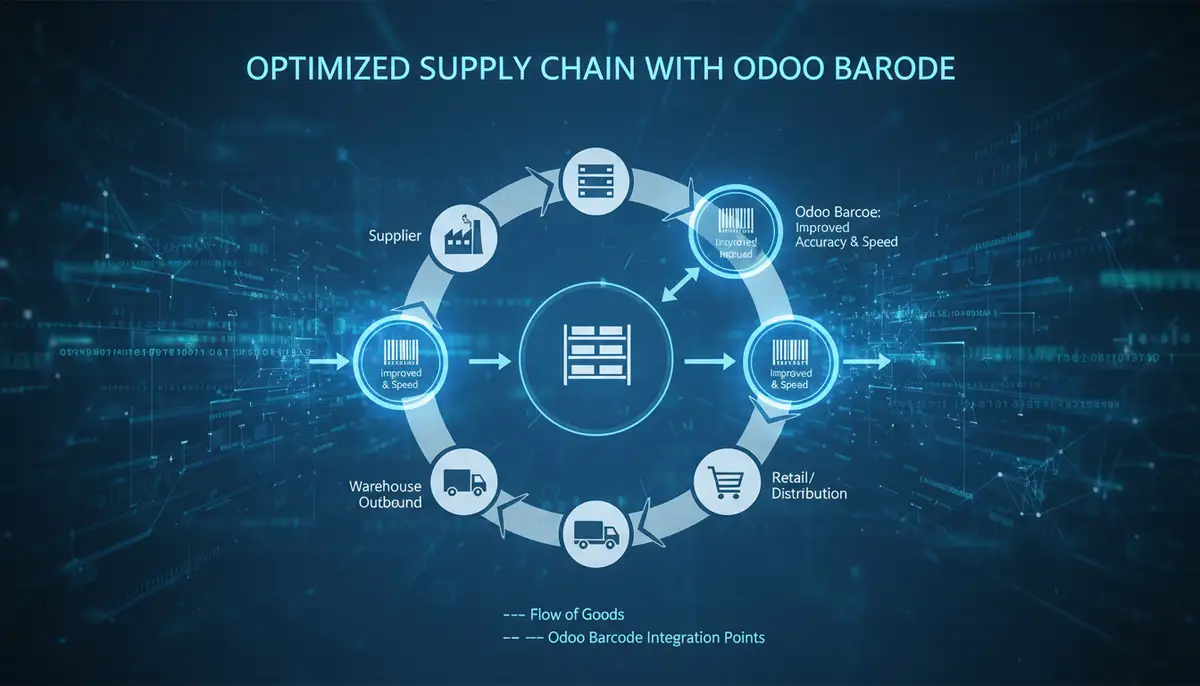
RFID Integration
While barcodes are highly effective, Radio-Frequency Identification (RFID) offers even greater automation. RFID allows for simultaneous scanning of multiple items without line-of-sight. Integrating RFID with barcode Odoo could enable faster inventory counts and tracking. This technology promises to further reduce manual effort and accelerate processes. Companies like cybrosys.com are already exploring such advanced integrations.
AI/ML for Demand Forecasting
The vast amount of data collected by barcode Odoo provides a rich source for Artificial Intelligence (AI) and Machine Learning (ML) algorithms. These technologies can analyze historical sales and inventory data. They can then predict future demand with greater accuracy. This enables proactive inventory planning. It minimizes waste and optimizes stock levels. Predictive analytics will become a cornerstone of smart inventory management.
Predictive Maintenance with Asset Tracking
Beyond products, barcode Odoo can track assets like machinery or tools. Combining this with IoT sensors can facilitate predictive maintenance. By monitoring asset usage and condition, Odoo can alert you to potential issues before they cause downtime. This extends asset lifespans and reduces maintenance costs. It transforms asset management from reactive to proactive. Many businesses, including those working with Odoo partners like ksolves.com, are keen on leveraging these advanced capabilities.
Frequently Asked Questions About Barcode Odoo
We often receive questions about barcode Odoo from businesses considering its implementation. Here are answers to some of the most common inquiries.
Q1: Is barcode Odoo suitable for small businesses?
Absolutely. Barcode Odoo scales well for businesses of all sizes. Small businesses can start with basic inventory tracking. They can then expand features as they grow. The benefits of accuracy and efficiency apply universally.
Q2: What hardware do I need for barcode Odoo?
You will need barcode scanners (handheld, fixed, or mobile device-based). You might also need barcode label printers. The specific type depends on your warehouse environment and operational needs. A reliable Wi-Fi network is also essential for seamless data transfer.
Q3: Can I use existing barcodes with Odoo?
Yes, Odoo is highly flexible. You can use your existing product barcodes. Simply enter them into the corresponding product records in Odoo. Odoo supports various barcode symbologies, making integration straightforward.
Q4: How does barcode Odoo handle returns?
Barcode Odoo simplifies the returns process. You can scan returned items to quickly identify them. The system then guides you through putting them back into stock or marking them for repair/scrap. This ensures accurate inventory adjustments.
Q5: What if my internet goes down?
While Odoo is cloud-based, many barcode scanners have offline capabilities. They can store scans and sync data once connectivity is restored. Planning for offline contingencies is part of a robust implementation strategy. An Odoo consultant can help you configure this.
Conclusion: Unlock Your Inventory’s Full Potential with Barcode Odoo
Implementing barcode Odoo is a strategic move for any business aiming for operational excellence. It offers unparalleled accuracy, efficiency, and real-time visibility. From basic inventory tasks to complex supply chain challenges, barcode Odoo provides a robust solution. Its capabilities extend far beyond simple scanning, touching every aspect of your logistics and inventory management.
However, realizing its full potential requires more than just software. It demands careful planning, effective training, and often, expert guidance. As Odiware Technologies, we pride ourselves on being a trusted Odoo ERP consulting partner. We help businesses navigate the complexities of implementation. We ensure your barcode Odoo solution is perfectly tailored to your unique needs and goals. Partnering with us means transforming your inventory into a strategic asset.
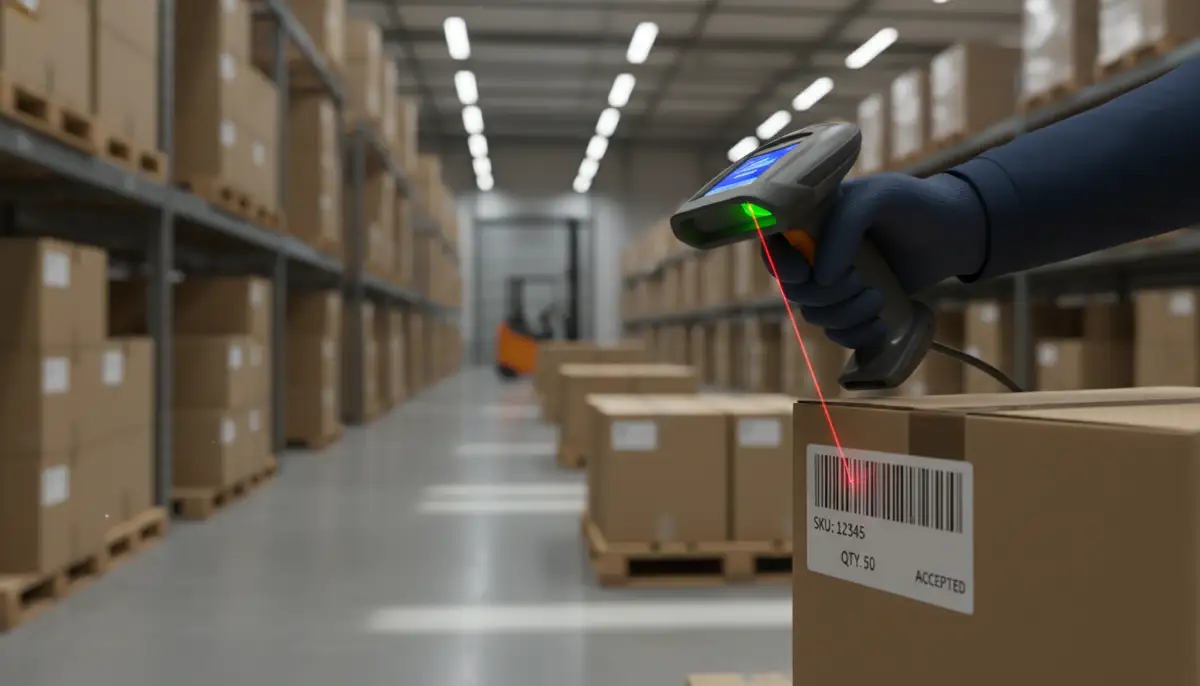
Don’t let outdated inventory practices hold your business back. Explore how barcode Odoo can propel your operations forward. Consider a consultation with our experts to discuss your specific requirements. You can also Try Free Trial to experience Odoo firsthand. Let us help you unlock new levels of efficiency and profitability.


