In today’s fast-paced digital landscape, your business data is its lifeblood. For organizations running on Odoo, this data encompasses everything from customer records and financial transactions to inventory levels and project statuses. Losing this information, even for a short period, can be catastrophic.
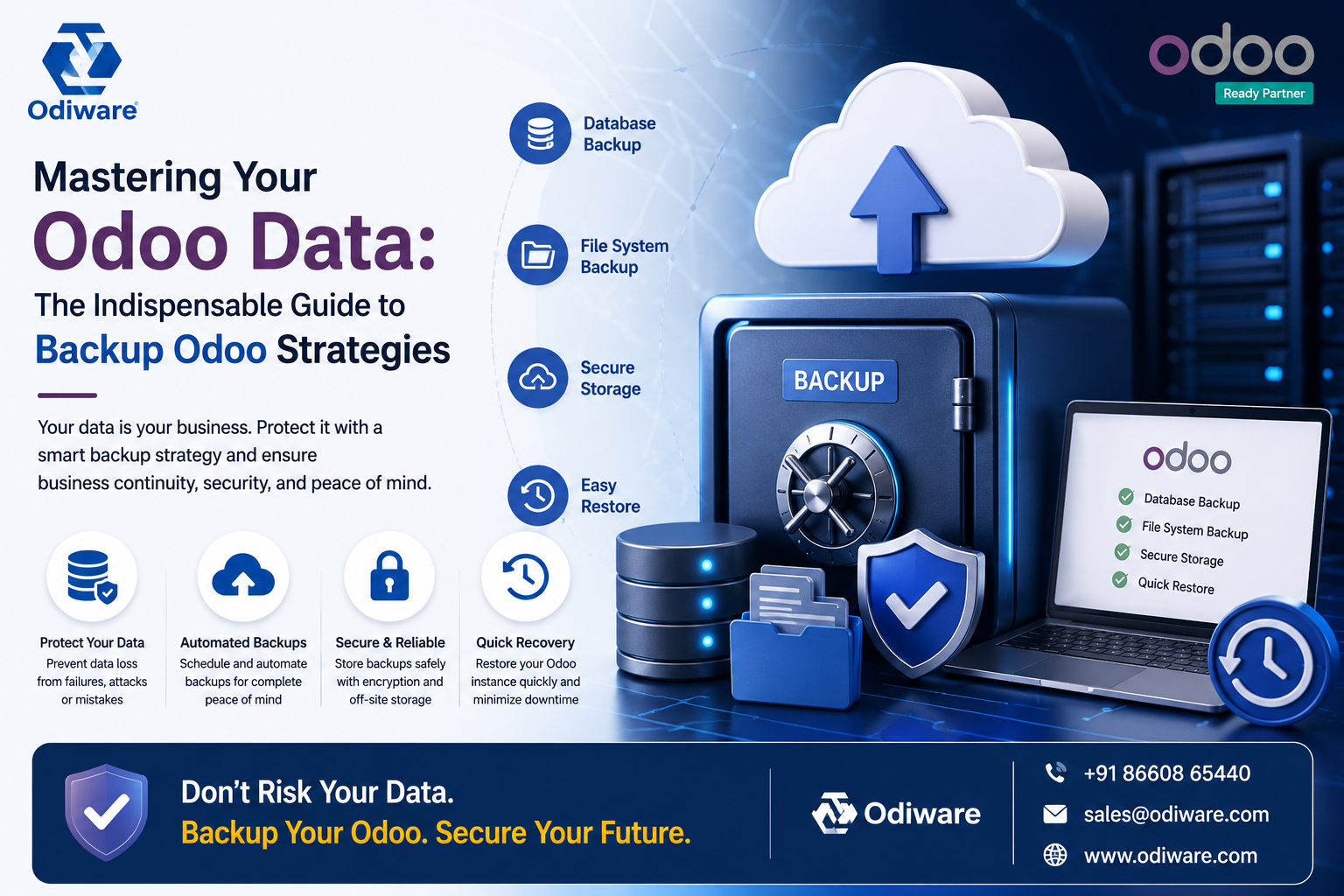
In today’s fast-paced digital landscape, your business data is its lifeblood. For organizations running on Odoo, this data encompasses everything from customer records and financial transactions to inventory levels and project statuses. Losing this information, even for a short period, can be catastrophic. This is why a robust strategy to backup Odoo is not just a good idea; it is an absolute necessity. At Odiware, we understand the critical role your Odoo instance plays in daily operations. We guide businesses through complex Odoo implementations, ensuring their systems are not only efficient but also resilient against unforeseen challenges.
The Critical Importance of a Robust Backup Odoo Strategy
Imagine a scenario where your Odoo system experiences a sudden failure. Perhaps a hardware malfunction, a cyber-attack, or even an accidental data deletion. Without a reliable backup Odoo strategy, your business could face significant downtime, financial losses, and reputational damage. Business continuity hinges on your ability to quickly restore operations. A well-defined backup plan ensures that your critical data remains safe and accessible, no matter what. It acts as your ultimate safety net, allowing you to recover swiftly from any data-related incident.
Beyond disaster recovery, proper data management is crucial for compliance. Many industries have strict regulations regarding data retention and protection. An effective backup Odoo system helps you meet these legal and ethical obligations. It safeguards your data integrity, meaning your information remains accurate and untampered. Neglecting this vital aspect can lead to severe penalties and a loss of customer trust. Therefore, investing in a solid backup strategy is an investment in your business’s future stability and credibility.
Understanding Odoo Backup Options
Odoo offers various methods for backing up your data, each with its own advantages and considerations. Choosing the right approach depends on your specific business needs, technical capabilities, and risk tolerance. We will explore both manual and automated options, helping you understand the landscape of how to backup Odoo effectively.
Manual Backup Approaches
Manual backups provide a hands-on method for data preservation. The most common approach involves creating a database dump directly from your Odoo instance. This process generates a file containing your entire database, which you can then download and store. Additionally, you must back up your Odoo file system. This includes crucial elements like custom modules, attachments, and configuration files. Failing to back up these components means your restored database might not function correctly or might lack essential custom functionalities.
While manual backups offer direct control, they also come with significant limitations. They are time-consuming and prone to human error. If you forget to perform a backup, or if the backup process is interrupted, you risk losing valuable data. Moreover, manual methods can be difficult to scale as your Odoo instance grows in complexity and data volume. For most active businesses, relying solely on manual processes for backup Odoo is not a sustainable or secure long-term solution.
Via the Odoo Web Interface
This is the most user-friendly method and works for Odoo Online, Odoo.sh, and on-premise instances (though it may time out for very large databases).
1. Navigate to the Database Manager: In your web browser, go to https://<your-odoo-url>/web/database/manager.
2. Locate Your Database: You will see a list of databases managed by your Odoo instance.
3. Initiate Backup: Click the Backup button next to the name of the database you want to back up.
4. Enter Credentials and Select Format:
– Master Password: Enter your Odoo instance’s master password (this is different from your user password).
– Backup Format: Select the format. The recommended option is zip (includes filestore) as it contains the entire database dump (dump.sql), all static files, images, attachments (the filestore), and a manifest file. The pg_dump format only includes the database data and excludes the filestore.
5. Download: Click the Backup button to start the process. The system will generate a .zip file and download it to your local machine.
Automated Backup Solutions
Automated backups are the preferred method for most Odoo users, especially those with dynamic and critical operations. These solutions remove the human element, ensuring consistent and timely data protection. Several Odoo modules are available to facilitate automated backups. For instance, the Odoo Community Association (OCA) offers a database auto-backup module that can automate the process and even push backups to external servers. Another popular option is the Odoo Database Backup Module from the Odoo Apps Store, which provides a comprehensive way to manage your backup processes directly within Odoo.
A digital vault icon, representing secure data backup and protection in a modern, clean style.
Beyond Odoo-specific modules, server-level automation offers robust control. This typically involves setting up cron jobs or custom scripts that run at scheduled intervals. These scripts can automatically dump your database, copy your file system, and transfer these backups to secure locations. Cloud backup services further enhance this strategy by providing off-site storage, scalability, and often, advanced encryption. Integrating these services ensures your backup Odoo strategy is resilient and geographically dispersed. This multi-layered approach significantly reduces the risk of data loss from localized disasters.
Avoid Data Loss — Talk to an Odoo Expert
Best Practices for Effective Backup Odoo
Implementing a backup strategy is one thing; implementing an effective one is another. Several best practices ensure your efforts to backup Odoo truly protect your business. These principles focus on preparedness, reliability, and security.
Define Your Recovery Point Objective (RPO) and Recovery Time Objective (RTO)
Before you even start backing up, define your RPO and RTO. Your RPO determines the maximum amount of data loss your business can tolerate. For example, an RPO of 4 hours means you can afford to lose 4 hours’ worth of data. This directly influences your backup frequency. If your RPO is very low, you need more frequent backups. Your RTO, on the other hand, defines the maximum acceptable downtime after an incident. An RTO of 2 hours means your Odoo system must be fully operational within two hours of a disaster. This impacts the speed and efficiency of your restore process.
Clearly defining these objectives is crucial. They guide your choice of backup tools, storage locations, and restoration procedures. Without clear RPO and RTO metrics, you cannot accurately assess the effectiveness of your backup Odoo strategy. This foundational step ensures your backup plan aligns with your business’s operational tolerance for data loss and downtime.
Implement a 3-2-1 Backup Rule
The 3-2-1 backup rule is an industry standard for data protection. It states that you should have at least three copies of your data. These copies should be stored on two different types of media. Finally, one copy should be kept off-site. For Odoo, this means your live data, plus two backup copies. One backup might be on a local network drive, while the other is in a cloud storage service like Amazon S3 or Google Cloud Storage. Different media types could include local disks, network-attached storage (NAS), and cloud storage.
Following this rule significantly reduces the risk of data loss. If one copy fails or becomes corrupted, you have other options. The off-site copy protects against physical disasters like fire or flood at your primary location. This comprehensive approach ensures maximum resilience for your backup Odoo efforts. It’s a gold standard for data safety.
Regular Testing and Validation
A backup is only as good as its ability to be restored. Many businesses diligently create backups but never test them. This is a critical mistake. Regular restore drills are essential. You should periodically attempt to restore your Odoo database and file system to a separate, isolated environment. This verifies that your backups are complete, uncorrupted, and functional. It also tests your restoration procedures and the team’s ability to execute them under pressure.
Testing helps identify any issues with your backup process or storage media. It ensures that when a real disaster strikes, you can confidently recover your data. Without validation, your backup Odoo strategy is based on assumptions, not proven capability. Make testing a regular part of your data management routine. It provides peace of mind and confirms your readiness.
Security and Encryption
Your backup data is just as sensitive as your live data. It contains the same proprietary and confidential information. Therefore, securing your backups is paramount. Implement strong encryption for both data in transit and data at rest. This protects your backups from unauthorized access, even if they fall into the wrong hands. Use secure protocols for transferring backups to off-site locations.
Access control is another vital security measure. Limit who can access, modify, or delete your backup files. Implement multi-factor authentication for backup storage accounts. Regularly review access logs to detect any suspicious activity. A comprehensive security posture for your backup Odoo strategy is non-negotiable in an era of increasing cyber threats. It’s about protecting your information at every stage of its lifecycle.
|
RPO (Recovery Point Objective) |
Backup Frequency |
Impact on Business |
|
Minutes to 1 hour |
Continuous/Near Real-time |
Minimal data loss (e.g., financial transactions) |
|
1-4 hours |
Hourly |
Low data loss (e.g., e-commerce orders) |
|
4-24 hours |
Daily |
Moderate data loss (e.g., CRM updates) |
|
24+ hours |
Weekly/Bi-weekly |
Significant data loss (e.g., archival data) |
Common Mistakes in Odoo Backup Strategies
Even with the best intentions, businesses often make mistakes in their backup Odoo strategies. Recognizing these pitfalls is the first step toward avoiding them. Learning from common errors can save you significant headaches down the line.
- Not backing up at all: This is the most critical error. Assuming your data is safe without a formal backup plan is a recipe for disaster.
- Neglecting file system backups: Many only back up the database, forgetting custom modules, attachments, and configuration files. A database without these components is often useless.
- Lack of testing: As discussed, untested backups are unreliable. You must verify that your backups can actually be restored successfully.
- Storing backups in the same location: Keeping backups on the same server or physical location as your live Odoo instance defeats the purpose of disaster recovery. A single event could wipe out both.
- Over-reliance on a single method: Relying on just one backup method or one storage provider creates a single point of failure. Diversify your approach.
- Outdated backup procedures: Technology evolves, and so should your backup Odoo processes. Regularly review and update your methods to ensure they remain effective and secure.
Additionally, many businesses overlook the importance of understanding the restore process itself. Knowing how to create a backup is only half the battle. You also need clear, documented steps for restoring your Odoo data quickly and efficiently. For more detailed insights on how to create and restore Odoo data, you might find valuable information in resources like Odiware’s guide to Odoo data backup. Avoiding these common mistakes strengthens your overall data protection posture and ensures your Odoo system remains resilient.
When to Involve an Odoo Consultant for Backup Odoo
While some basic backup tasks can be handled internally, the complexity of Odoo implementations often warrants expert assistance. Knowing when to engage an Odoo consultant is key to a robust and future-proof backup Odoo strategy. At Odiware, we frequently encounter scenarios where our expertise becomes invaluable.
- Complex Odoo Setup: If your Odoo instance involves extensive customizations, multiple integrations, or a large number of users, a standard backup approach might not suffice. Consultants can design tailored solutions.
- Compliance Requirements: Industries with stringent regulatory requirements (e.g., healthcare, finance) need specialized backup and retention policies. Consultants ensure you meet these standards.
- Scalability Needs: As your business grows, so does your data volume and the complexity of managing it. An Odoo consultant can help architect a scalable backup solution that evolves with your company.
- Lack of Internal Expertise: Many businesses lack dedicated IT staff with deep Odoo knowledge. Consultants fill this gap, providing expert guidance and implementation.
- Customizations and Integrations: Your Odoo system might be integrated with other platforms or have custom modules. Ensuring these are properly backed up and can be restored cohesively requires specialized knowledge. For instance, understanding expert insights on asset management Odoo often involves intricate data protection considerations.
An experienced Odoo consulting partner like Odiware brings a wealth of knowledge from various implementations. We understand the nuances of different Odoo versions, hosting environments, and business processes. We don’t just set up a backup; we design a comprehensive data protection framework. This framework aligns with your business objectives and minimizes risk. While companies like serpentcs.com, cybrosys.com, and odooimplementers.com also offer Odoo services, our approach focuses on understanding your unique operational context to deliver truly bespoke solutions.
We help you define your RPO and RTO, choose the right tools, implement automation, and establish rigorous testing protocols. Our goal is to empower you with a ‘set it and forget it’ system that you can trust. This allows your team to focus on core business activities, knowing your Odoo data is secure. Consulting ensures you move beyond basic data dumps to a truly resilient data protection strategy for your Odoo environment.
Beyond Simple Backups: Disaster Recovery Planning
A robust backup Odoo strategy is a cornerstone of disaster recovery, but it’s not the entire plan. Disaster Recovery Planning (DRP) is a broader framework. It outlines the procedures for responding to and recovering from disruptive events. This includes not just data loss, but also system outages, natural disasters, or cyber-attacks. Your backup strategy feeds directly into your DRP. It provides the recoverable data needed to rebuild your Odoo environment.
A comprehensive DRP involves several key components. These include a business impact analysis to identify critical systems and their recovery priorities. It also includes communication plans, roles and responsibilities, and detailed recovery procedures. Integrating your backup Odoo processes into a holistic DRP ensures that your business can quickly resume normal operations after any significant disruption. This proactive approach minimizes downtime and protects your bottom line.
Frequently Asked Questions About Backup Odoo
Many questions arise when considering how to best protect your Odoo data. Here are some common inquiries we address for our clients.
- How often should I backup Odoo? The frequency depends on your RPO. For most businesses with dynamic data, daily backups are a minimum. Hourly or near real-time backups are often necessary for critical systems with low RPOs.
- What exactly needs to be backed up in Odoo? You need to back up both your Odoo database (which contains all transactional data) and your Odoo file system (which includes custom modules, attachments, and configuration files). Both are essential for a complete restoration.
- Can Odoo backups be automated? Yes, absolutely. Automation is a best practice for backup Odoo. You can use Odoo modules, server-level cron jobs, or third-party cloud backup services to schedule and execute backups automatically.
- What is the difference between a backup and a snapshot? A backup is a copy of your data at a specific point in time, typically stored separately. A snapshot is a point-in-time copy of a virtual disk or volume, often used in virtualized environments. Snapshots are fast but usually reside on the same storage system, offering less disaster protection than a true backup.
- How do I test my Odoo backup? You should periodically restore your backup to a separate, isolated Odoo instance (a test environment). Verify that all data is intact and that your Odoo system functions correctly. This is crucial for validating your backup Odoo strategy.
For a visual guide on the process, you might find this video helpful:
Get a free 30-minute review with an Odiware Odoo consultant — bring your current setup and we'll map the fastest route to a working configuration.
 ODOO IMPLEMENTATION PARTNER