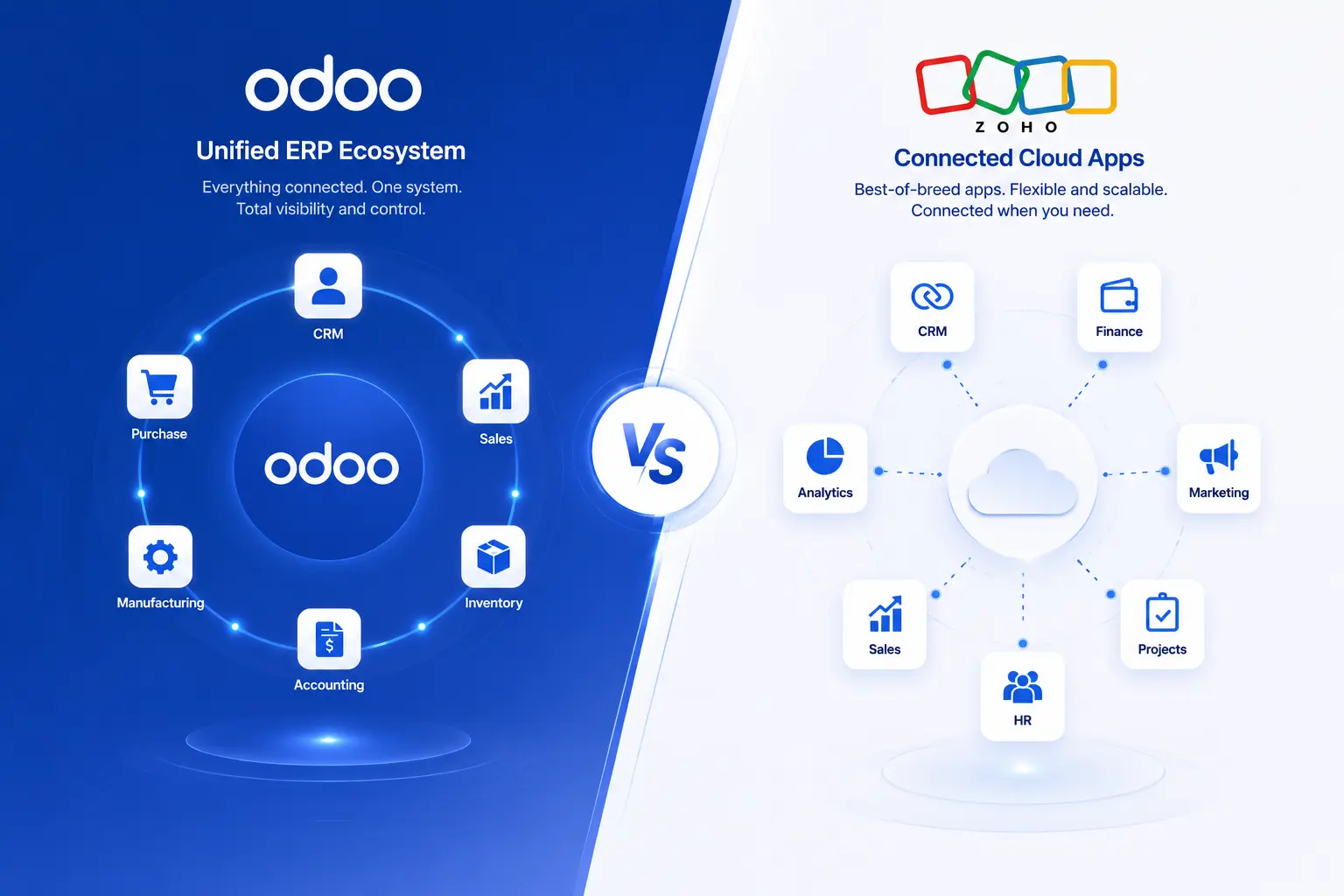
Odoo and Zoho are both business software platforms, but they’re built on different ideas. Odoo is a single ERP suite where every module - CRM, accounting, inventory, HR - shares one database, so a sale flows into stock and finance without a separate integration step.
Odoo vs Zoho: Quick Answer
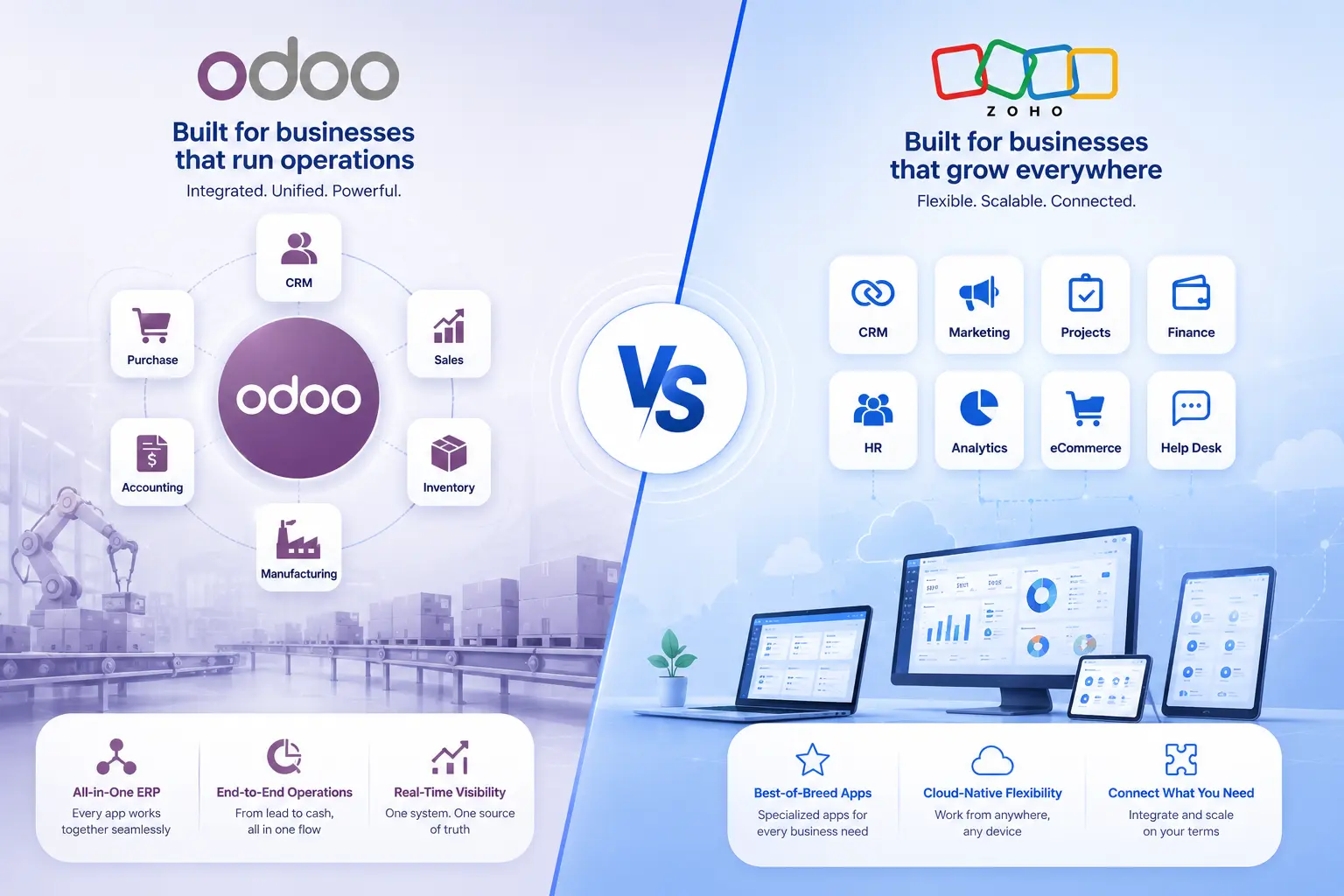
Odoo and Zoho are both business software platforms, but they’re built on different ideas. Odoo is a single ERP suite where every module - CRM, accounting, inventory, HR - shares one database, so a sale flows into stock and finance without a separate integration step. Zoho is a family of individual cloud apps, each strong on its own, that connect to each other most cleanly when bundled through Zoho One.
That difference decides which one fits, more than any feature list does. If your business runs sales, inventory, and accounting as one connected operation - a distributor, a manufacturer, a multi-warehouse retailer - Odoo’s shared-database model tends to remove friction you’d otherwise manage manually. If your priority is a specific function, most often CRM, marketing, or support, and you want to start there and add more later, Zoho lets you do that without committing to a full ERP rollout upfront.
Neither platform is the “better” one in general. Odoo tends to win when operational complexity is already real. Zoho tends to win when speed of adoption and standalone application depth matter more than shared data from day one. The rest of this article breaks down exactly where that holds and where it doesn’t.
Odoo vs Zoho Comparison at a Glance
|
Factor |
Odoo |
Zoho |
|---|---|---|
|
Core approach |
Single integrated ERP suite; modules share one database |
Family of standalone cloud apps, unified via Zoho One |
|
CRM |
Odoo CRM, one app within the suite |
Zoho CRM, a mature standalone product |
|
Accounting |
Odoo Accounting, native to the same database |
Zoho Books, a connected but separate product |
|
Inventory |
Odoo Inventory, tightly linked to sales and manufacturing |
Zoho Inventory, connects to Books and CRM |
|
Manufacturing |
Native Manufacturing module, deeply integrated |
Not a core focus; typically handled outside Zoho or via integration |
|
HR |
Odoo HR, connected to payroll-adjacent workflows |
Zoho People, connects to Zoho Recruit |
|
Project management |
Odoo Project, tied to HR and billing data |
Zoho Projects, mature standalone tool |
|
eCommerce |
Native Website/eCommerce apps sharing inventory data |
No native storefront; connects to external platforms |
|
Customization |
High — Odoo Studio, custom modules, open API |
Moderate — configuration, Deluge scripting, workflow builders |
|
Implementation |
Usually needs planning; often a partner for multi-module setups |
Individual apps are quick to start; Zoho One rollout takes more planning |
|
Integrations |
Native within Odoo; external tools via API |
Native within Zoho One; large third-party marketplace |
|
Best suited for |
Manufacturing, distribution, multi-department operations |
Sales-led or service-led teams wanting fast, focused adoption |
What Is the Main Difference Between Odoo and Zoho?
The difference is architectural, not just cosmetic. In Odoo, a sales order created in CRM can move into Inventory and then Accounting without an integration step, because it’s the same record in the same database. In Zoho, CRM, Books, and Inventory are separate products that talk to each other through built-in connectors - most smoothly when bundled as Zoho One, but they remain separate applications underneath.
This matters in practice, not just in theory. Adding a new business function in Odoo usually means turning on another module in the same environment. Adding one in Zoho usually means activating another app and connecting it to what you already run. Zoho does this well within its own ecosystem, but it’s a federation of products, not one shared core.
Customization follows the same logic. Odoo Studio and custom development allow relatively deep changes to workflows and data structures, but that flexibility generally needs someone who understands Odoo’s data model. Zoho’s per-app configuration - custom fields, Blueprint automation, Deluge scripting - covers a lot of ground without a developer, but restructuring workflows across several apps at once has more natural limits than editing inside one shared database.
For a small business with mostly standard processes, this difference may not show up day to day. It becomes significant once a company has real operational complexity: multiple warehouses, manufacturing steps, or workflows that don’t match either platform’s default assumptions.
Odoo vs Zoho Features Comparison
CRM and Sales Management
Odoo CRM handles leads, pipeline stages, and forecasting, and its real advantage is that a closed deal flows straight into a sales order, inventory reservation, and invoice without leaving the system. Zoho CRM is a longer-established, purpose-built sales product with deeper pipeline automation, Blueprint workflows, and tiers running from a free plan up to enterprise-level AI scoring. If CRM depth is your main requirement, Zoho CRM’s dedicated feature set is usually stronger. If you need that CRM wired directly into inventory and finance from day one, Odoo’s approach removes a sync step Zoho users have to manage.
Accounting and Finance
Odoo’s accounting runs on the same database as sales and inventory, so invoices and stock valuation update together automatically. Zoho Books is a strong standalone accounting product that connects to Zoho Inventory and CRM through Zoho’s integration layer when used inside Zoho One. For simple invoicing and expense tracking, the difference is barely noticeable day to day. It matters more for finance teams that need real-time links between stock movement and the ledger.
Inventory and Warehouse Management
Odoo Inventory handles multi-warehouse operations, routing rules, and manufacturing natively, with stock, reordering, and fulfillment staying in sync because they share a database with Sales and Purchase. Zoho Inventory covers order management, warehouse tracking, and shipping integrations well for straightforward needs, connecting to Books and CRM within the Zoho ecosystem. Businesses with manufacturing steps or complex multi-warehouse logistics tend to get more direct value from Odoo here.
Manufacturing
This is a genuine Odoo strength. Odoo Manufacturing covers bills of materials, work orders, and production planning as a native module connected to Inventory and Accounting. Zoho doesn’t market a comparable manufacturing-specific module as part of its core suite - manufacturing businesses on Zoho typically rely on Zoho Inventory plus third-party or custom tools for production-specific workflows.
HR and Employee Management
Odoo HR covers records, time off, recruitment, and appraisals as modules connected to the rest of the suite. Zoho People covers similar ground and connects to Zoho Recruit within Zoho One. Neither is a full specialist HRMS for businesses with heavy payroll or compliance complexity - that’s a separate evaluation from this comparison.
Project Management
Odoo Project ties tasks and timesheets into the same database as HR and billing. Zoho Projects is a mature standalone tool with strong Gantt charts and time tracking, integrating natively with Zoho CRM and Books. Teams focused on project delivery rather than ERP-wide visibility often find Zoho Projects more immediately usable on its own.
Marketing and Automation
Odoo’s marketing apps - email, SMS, social, automation — sit inside the same suite as sales data, useful when campaign performance needs to tie back to actual revenue already in the system. Zoho’s marketing stack (Campaigns, Marketing Automation, Social) is more mature as standalone products with broader channel support, connecting cleanly to Zoho CRM for attribution. Marketing-led businesses often prefer Zoho’s depth here.
eCommerce and Website Capabilities
Odoo’s Website and eCommerce apps share data with Inventory and Accounting, so stock and pricing stay accurate without a sync step - useful for stores tied closely to warehouse operations. Zoho doesn’t offer a comparable native storefront; Zoho users typically connect an external platform like Shopify to Zoho Inventory or Books through available integrations.
Takeaway: requirements centered on manufacturing, warehouse operations, multi-entity finance, or integrated eCommerce tend to favour Odoo’s connected-suite approach. Requirements centered on sales pipeline depth, customer support, marketing automation, or fast adoption of a single well-built app tend to favour Zoho.
Odoo vs Zoho Pricing
Odoo’s official pricing (checked mid-2026) runs three tiers: One App Free (unlimited users, one application, Odoo Online only), Standard at roughly $24.90/user/month for the first year, renewing near $31.10, and Custom at roughly $49/user/month for the first year, renewing near $61 - Custom adds Odoo Studio, multi-company support, and external API access. These are US list prices; Odoo uses regional pricelists, so the same plans can cost significantly less in other markets, including India. All paid Odoo plans include hosting, upgrades, and standard support; implementation, customization, and training are separate, usually handled through Odoo’s Success Packs or an implementation partner.
Zoho runs on two tracks. Individual apps like Zoho CRM are priced per user with their own tiers, starting from a free edition for very small teams and running from roughly $14/user/month upward as feature depth increases. Zoho One, the bundled suite of 45+ apps, has two models: All-Employee (roughly $37/user/month annual, requiring every employee on payroll to be licensed) and Flexible User (roughly $90/user/month annual, licensing only active users). Which is cheaper depends entirely on what share of your headcount will actually use the software.
|
Consideration |
Odoo |
Zoho |
|---|---|---|
|
Entry point |
One App Free (unlimited users, one app) |
Zoho CRM free edition (up to 3 users) |
|
Mid-tier |
Standard: ~$24.90–31.10/user/month |
Zoho CRM Standard: ~$14/user/month |
|
Full-suite |
Custom: ~$49–61/user/month |
Zoho One: ~$37/user/month (All-Employee) or ~$90/user/month (Flexible) |
|
Where costs hide |
Customization, integrations, training, partner support |
Add-on apps, premium support, per-app licensing before Zoho One |
|
Where costs hide |
Customization, integrations, training, partner support |
Add-on apps, premium support, per-app licensing before moving to Zoho One |
Pricing changes by region, billing term, user count, and current offers on both platforms. Confirm current rates on Odoo’s and Zoho’s official pricing pages before budgeting - treat the figures above as directional.
Odoo vs Zoho Total Cost of Ownership
The subscription line is rarely the real number. What actually drives first-year cost is implementation scope, not the per-user rate on the pricing page.
With Odoo, the software license can be a modest portion of year-one spend once implementation, data migration, customization, and integration work are added — especially for multi-module rollouts involving a partner. A single-app deployment stays close to the license cost; a connected multi-department rollout doesn’t.
With Zoho, individual apps can add up quickly if licensed separately rather than through Zoho One, and premium support or higher CRM tiers carry their own cost. Zoho One’s implementation is generally lighter than a comparable Odoo rollout, but choosing the wrong pricing model (All-Employee vs. Flexible User) for your headcount mix can quietly inflate the subscription line itself.
The practical takeaway: a lower monthly rate paired with a heavier implementation project can cost more in year one than a higher rate with a lighter rollout. Compare total first-year cost, not just the number on the pricing page.
Get an Odoo Implementation Assessment
Odoo vs Zoho: Ease of Use and Implementation
A business installing one focused Zoho app - Zoho CRM for a sales team, say - can typically be functional within days. Odoo’s onboarding curve depends on scope: a single Odoo app isn’t dramatically harder to set up than a comparable Zoho app, but most businesses adopt Odoo because they want several modules working together, and mapping real workflows to Odoo’s data model before go-live is a bigger project. That’s why mid-sized Odoo rollouts often involve a partner rather than pure self-serve setup.
A ten-person consulting firm adopting Zoho CRM can likely be running within a week in-house. A twenty-person distribution business connecting sales, multi-warehouse inventory, and accounting inside Odoo is undertaking a genuine implementation project - weeks, not days - regardless of how good the software is. That’s not a knock on either platform; implementation effort scales with how connected your requirements are, and Odoo’s typical use cases involve more of that connectivity by design.
Odoo vs Zoho Customization
Odoo offers more customization headroom. Odoo Studio (Custom/Enterprise plans) allows visual changes to fields, views, and automated actions, and full custom module development is available for more specific requirements. The tradeoff: deeper customization increases implementation scope, and custom code needs maintenance across version upgrades.
Zoho’s customization works within each app - custom fields, layouts, validation rules, and Blueprint automation, plus Deluge scripting for advanced logic. This covers most real-world configuration without a developer, but it doesn’t offer the cross-application, single-data-model restructuring Odoo permits, because each Zoho app keeps its own product boundaries even inside Zoho One.
The more useful question isn’t which platform allows more customization - it’s whether you need it. A business with fairly standard processes may never touch either platform’s advanced tools, and paying for headroom you don’t use doesn’t add value.
Odoo vs Zoho Integrations
Odoo’s strongest integration story is internal: connecting Odoo CRM to Odoo Accounting isn’t really an integration, because it’s the same system. Connecting Odoo to tools outside its ecosystem - payment gateways, specific logistics providers - works through Odoo’s external API, and while common connectors exist, specialized ones often need developer work.
Zoho’s integration story is broader externally. Zoho apps connect natively inside Zoho One, and Zoho also offers a large marketplace of prebuilt third-party integrations (Slack, Google Workspace, Microsoft 365) plus Zoho Flow for custom automation. For businesses already running a mix of external SaaS tools, Zoho’s ecosystem tends to plug in more easily out of the box.
If most of what you need lives inside Odoo’s own suite, integration is largely a non-issue because it’s native. If your operations depend on a wide mix of external tools, Zoho’s connector library may reduce custom integration work.
Scalability: Which Is Better for a Growing Business?
Scalability isn’t only about adding more user seats - both platforms handle that reasonably well. The more important question is how each handles growing process complexity.
A startup with a handful of employees and simple, mostly manual processes can scale on either platform without much friction, since neither requires heavy investment at that stage. As a business adds departments - say, moving from sales-only to sales-plus-inventory-plus-accounting - Odoo’s single-database model tends to absorb that growth smoothly, because the connections between those functions already exist by design. Zoho absorbs the same growth by adding more apps to a Zoho One subscription, which works well but means more discrete pieces are now depending on Zoho’s integration layer rather than a single shared core.
For a multi-department company with real operational interdependency - manufacturing feeding inventory feeding finance, for example - Odoo’s architecture tends to reduce the amount of custom integration work needed as complexity increases. For a company whose growth is mostly about adding more customer-facing or support functions (more marketing channels, more support queues, more sales territories) without deep operational interdependency, Zoho’s app-by-app expansion inside Zoho One scales comfortably without needing ERP-level restructuring.
Odoo vs Zoho for Small Businesses
Business size alone doesn’t answer this question. A ten-person consulting firm and a ten-person business running a small warehouse have nothing in common in software needs, even at the same headcount.
For a small business whose core need is managing leads and customer relationships - a consulting firm, an agency, a services business - Zoho CRM, or Zoho One as needs grow, offers a faster, lower-effort starting point, including a free tier for very small teams.
For a small business with inventory, light manufacturing, or several connected operational functions from day one — even at ten or fifteen employees - Odoo’s integrated model can reduce long-term friction, because the connections between sales, stock, and accounting are already built in rather than something to configure later. The upfront implementation effort is real, but it can be worth taking on earlier than expected if operational connectivity is already a requirement, not a future concern.
Odoo vs Zoho for Indian Businesses
Both platforms have India-specific accounting capability worth knowing about if GST compliance is part of your evaluation. Zoho Books offers an India edition built around GST, HSN/SAC codes, GSTR-1 and GSTR-3B filing, and e-invoicing (IRN and QR code generation) through direct integration with the government’s Invoice Registration Portal. Odoo’s India localization covers CGST/SGST/IGST, e-way bill generation, GST return support, and e-invoicing within the same module that also handles sales and inventory - which can reduce the number of separate systems a finance team has to reconcile for GST reporting.
For an India-based business, the same broader decision applies: if GST and accounting are the primary requirement, either platform’s India-specific accounting can work well on its own. If GST compliance needs to stay in sync with multi-warehouse inventory, manufacturing, or e-commerce operations without manual reconciliation between systems, Odoo’s shared-database approach tends to reduce the coordination work. Indian pricing on both platforms typically runs well below US list rates - confirm current INR pricing directly with Odoo or Zoho, and verify GST/e-invoicing capability against your specific turnover threshold and compliance obligations with your CA rather than relying on general marketing claims from either vendor.
Odoo vs Zoho by Business Type
|
Business Type |
Likely Better Fit |
Reason |
|---|---|---|
|
Manufacturing |
Odoo |
Native Manufacturing module connected to inventory and accounting |
|
Distribution / multi-warehouse |
Odoo |
Shared database keeps stock, orders, and finance in sync |
|
Retail (single location, simple stock) |
Depends on requirements |
Either platform can work; decision often comes down to CRM vs. inventory priority |
|
E-commerce |
Depends on requirements |
Odoo if inventory/fulfillment must stay connected; Zoho plus a storefront if CRM/marketing leads |
|
Consulting / professional services |
Zoho |
CRM-led business with light operational complexity |
|
Marketing agencies |
Zoho |
Marketing and CRM depth outweigh ERP-style connectivity |
|
Growing SMEs adding departments |
Depends on requirements |
Odoo if departments need shared data; Zoho if departments stay functionally separate |
|
Multi-department organizations with real interdependency |
Odoo |
Reduces custom integration work as complexity increases |
When Should You Choose Odoo?
- Sales, inventory, and finance need to work as one connected system, not separately synced tools
- Manufacturing, multi-warehouse logistics, or multi-company accounting are central to your operations
- Your workflows diverge enough from standard templates that real customization is worth the investment
- You’re prepared for a proper implementation project, in-house or with a partner
When Should You Choose Zoho?
- CRM, marketing, or customer support is your most urgent and primary requirement
- You want to adopt a specific, well-built application quickly without a heavy setup project
- Your operations can be met by connecting a handful of Zoho apps rather than one shared database
- You want to start narrow - one or two apps - and expand into Zoho One later as needs grow
- You already run a wide mix of external SaaS tools and want an ecosystem that connects to them easily
Odoo vs Zoho: Pros and Cons
|
Odoo |
Genuinely integrated suite on one database; high customization via Odoo Studio; strong fit for inventory, manufacturing, multi-company finance; connected workflows without external integration for internal processes |
Multi-module implementation usually needs planning, often a partner; deeper customization increases project scope and maintenance; total cost depends heavily on modules, customization, and hosting |
|
Zoho |
Broad ecosystem covering nearly every business function; mature, well-regarded CRM; individual apps adopt quickly without heavy implementation; wide third-party integration marketplace |
Feature depth varies by product; complex, interdependent workflows may need more configuration than a single-database system; Zoho One’s two pricing models require careful calculation |
Which Is Better: Odoo or Zoho?
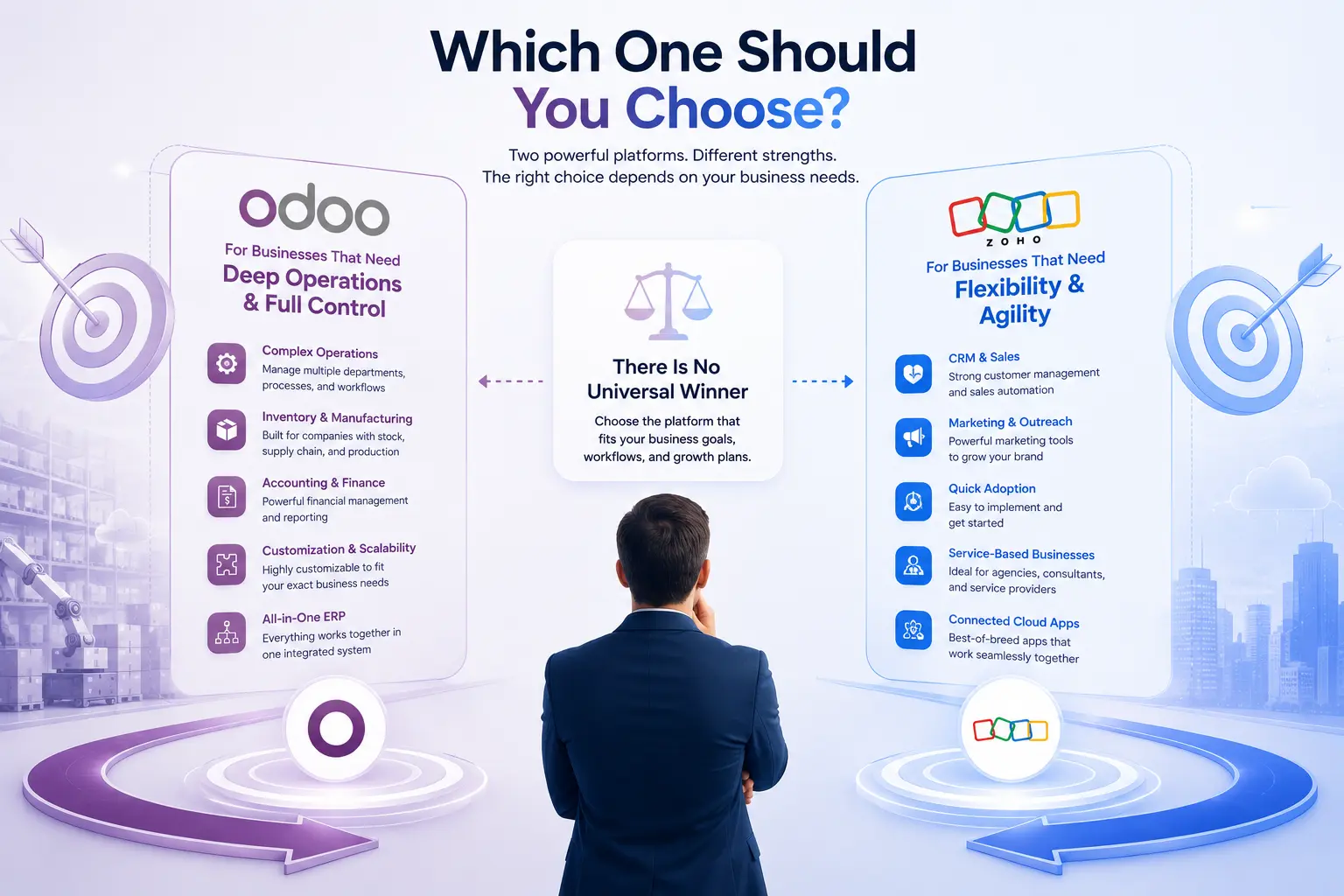
There’s no universal winner, but the reasoning is straightforward once you match it to your own operations.
Choose Odoo if deeply connected operations across sales, inventory, and finance matter more than adopting one app quickly; ERP functionality - real-time inventory, manufacturing, multi-company accounting - is central to what you need; and you’re prepared for a proper implementation project.
Choose Zoho if CRM, marketing, or support is your primary and most urgent need; you want to adopt specific applications fast without a heavy setup project; and your requirements can be met by connecting Zoho apps rather than requiring one shared database.
If you’re still unsure, the honest answer depends on exactly which applications you’ll use, how many users need access, what has to integrate with what, and how much operational complexity you expect over the next couple of years. Neither platform is correct in the abstract - only in the context of those specifics.
Odiware’s Recommendation
Before choosing either platform, it’s worth mapping out your actual requirements rather than comparing feature lists in isolation: which departments need to share data, how many users will need access, what you’re migrating from, how much customization your workflows genuinely require, and where you expect the business to grow over the next two to three years. That assessment usually tells you more about the right fit than any comparison article can.
If your evaluation is leaning toward Odoo - because operations, inventory, or manufacturing are central to what you do - Odiware works with businesses on Odoo implementation, consulting, migration from other systems, and custom development for workflows that don’t fit a standard template.
Discuss Your Odoo Requirements
FAQs
Which is better, Odoo or Zoho?
Neither is universally better - Odoo suits businesses needing deeply connected operations across sales, inventory, and finance, while Zoho suits businesses prioritizing a strong standalone CRM or wanting to adopt specific cloud apps quickly. The right choice depends on your operational complexity and which business functions matter most.
Is Odoo better than Zoho CRM?
Odoo CRM is a capable, connected CRM within the broader Odoo suite, but Zoho CRM is a more specialized, longer-established CRM product with deeper dedicated sales features and tiered plans built specifically around sales team needs. Businesses whose main requirement is CRM depth often find Zoho CRM stronger; those wanting CRM tied directly into inventory and accounting may prefer Odoo’s integrated approach.
Is Zoho cheaper than Odoo?
It depends on scope. Zoho CRM’s entry tiers and Zoho One’s All-Employee plan (roughly $37/user/month) can be cheaper than Odoo’s Custom plan (roughly $49–61/user/month) on a subscription basis, but Odoo’s Standard plan and Zoho’s Flexible User plan sit closer together. Total cost also depends heavily on implementation, customization, and how many apps or modules you actually need - not subscription price alone.
Which is better for small businesses, Odoo or Zoho?
It depends on the business, not just its size. A small services business focused on sales and customer relationships often finds Zoho faster and cheaper to start with. A small business with inventory or operational complexity from day one may get more long-term value starting with Odoo’s connected structure, even though the initial implementation effort is greater.
Can Odoo replace Zoho?
Odoo can replace most individual Zoho applications functionally, since it covers CRM, accounting, inventory, HR, and more within one suite. Whether it should depends on your requirements: if you need Zoho CRM’s specific sales-focused feature depth or Zoho’s broader third-party integration marketplace, a full replacement may mean trading some specialized capability for tighter internal connectivity.
What is the main difference between Odoo and Zoho?
Odoo is a single, integrated ERP suite where modules share one database, so functions like sales, inventory, and accounting connect natively. Zoho is a family of separate cloud applications that connect to each other, most seamlessly when bundled as Zoho One, but each app retains its own product structure.
Which is easier to implement?
A single focused app is quick to set up on either platform. A connected, multi-department rollout is a genuine implementation project on Odoo, and a full Zoho One rollout also takes real planning - implementation effort scales with how connected your requirements are, not with the platform alone.
Which platform offers better customization, Odoo or Zoho?
Odoo generally offers deeper customization potential through Odoo Studio and custom module development, especially for businesses needing non-standard workflows or industry-specific processes. Zoho offers strong configuration options within each app - custom fields, automation builders, Deluge scripting - but restructuring workflows across multiple apps has more natural limits than working inside Odoo’s single shared data model.
Which is better for inventory management?
Odoo, for businesses with multi-warehouse operations, manufacturing, or complex fulfillment, because inventory shares a database with sales and accounting. Zoho Inventory works well for straightforward inventory needs connected to Books and CRM.
Get a free 30-minute review with an Odiware Odoo consultant — bring your current setup and we'll map the fastest route to a working configuration.
 ODOO IMPLEMENTATION PARTNER