Most companies searching for information on Odoo implementation phases are already past the research stage of choosing ERP software. They have picked Odoo, or they're close to picking it, and now they want to know what actually happens between signing a contract and going live.
Most companies searching for information on Odoo implementation phases are already past the research stage of choosing ERP software. They have picked Odoo, or they're close to picking it, and now they want to know what actually happens between signing a contract and going live. That gap is where the majority of ERP horror stories are born - not in the software itself, but in the process around it.
Around 70% ERP implementation projects face delays, budget overruns, or user adoption issues. The software isn't usually the problem. The implementation process is. Understanding each Odoo implementation phase before your project begins can save months of rework and thousands in unexpected costs.
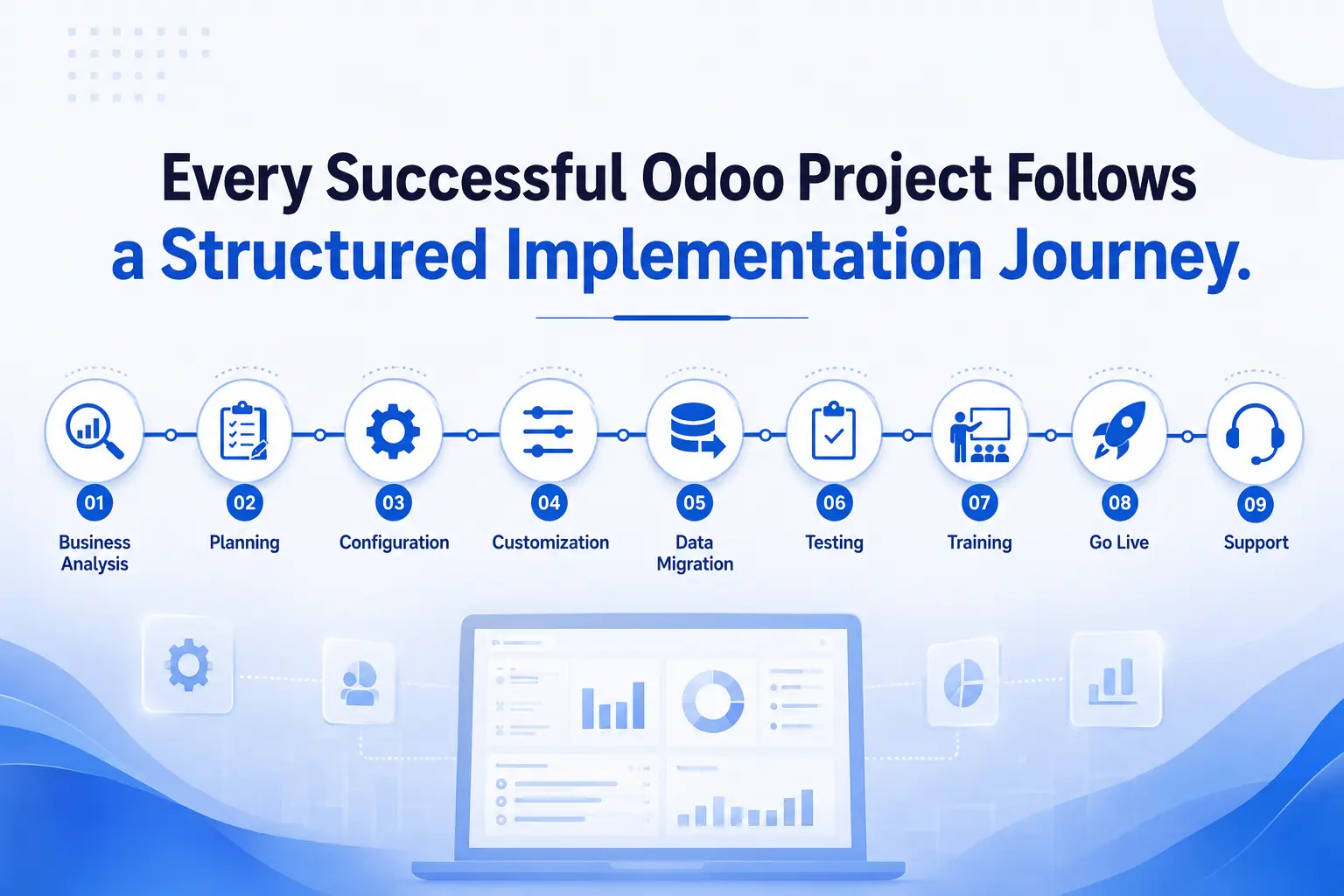
This guide walks through each of the nine phases an Odoo implementation service typically moves through, what tends to go wrong at each one, and what a disciplined team does differently.
What Are Odoo Implementation Phases?
Odoo implementation phases are the distinct stages a business moves through when deploying Odoo ERP - from the first requirement-gathering conversation to the point where the system is live and the team has shifted into ongoing support. Each phase has its own deliverables, its own risks, and its own set of decisions that affect everything downstream.
It helps to think of implementation less as a single project and more as a relay race. Requirement analysis hands off to planning. Planning hands off to configuration. Configuration hands off to customization, and so on. If one leg of the race is rushed, the runner who receives the baton inherits the problem - usually without realizing it until much later.
Why Following a Structured Odoo Implementation Process Matters
Risk reduction is the most obvious benefit, but it isn't the only one.
When a project follows defined phases, budget overruns become visible early instead of showing up as a surprise invoice in month five. A team that skips requirement analysis and jumps straight into configuration usually discovers missing workflows halfway through customization - and by then, rebuilding costs far more than getting it right the first time would have.
Timeline discipline works the same way. Clear Odoo implementation phases give a project manager real checkpoints. Without them, "how close are we to done" becomes a guess instead of an answer backed by evidence.
User adoption is where structured phases pay off in a way that's easy to underestimate. Employees who are trained properly, on a system configured around their actual workflow, tend to trust the new software. Employees handed a system built around generic assumptions usually go back to spreadsheets within a month, quietly, without telling anyone until someone asks why the reports don't match.
Put together, structured phases protect four things at once: budget, timeline, data integrity, and the ROI the business was promised when it decided to move to Odoo.
Odoo Implementation Phases at a Glance
|
Phase |
Focus Area |
Typical Duration |
|---|---|---|
|
1. Business Requirement Analysis |
Understanding current workflows and goals |
1-3 weeks |
|
2. Project Planning |
Timeline, budget, resources, milestones |
1-2 weeks |
|
3. System Configuration |
Module setup, roles, company settings |
2-4 weeks |
|
Custom modules, reports, integrations |
2-6 weeks |
|
|
5. Data Migration |
Moving customer, product, financial data |
2-4 weeks |
|
6. Testing & QA |
Functional, user, and performance testing |
2-3 weeks |
|
7. User Training |
Role-based onboarding and documentation |
1-2 weeks |
|
8. Go Live |
Final checks, deployment, monitoring |
1 week |
|
9. Post Implementation Support |
Maintenance, upgrades, optimization |
Ongoing |
Phase 1: Business Requirement Analysis
This is the phase most implementation failures trace back to, even when the failure only becomes visible months later, during testing or after go-live.
Requirement analysis is not a formality where a consultant asks a few questions and moves on. It's where the implementation team maps out how the business actually runs - not how the org chart says it runs, but how work actually flows between departments, including the workarounds nobody mentions in meetings.
One of the most common mistakes implementation teams make here is treating this phase as a checklist exercise. They ask "what modules do you need" instead of "walk me through what happens when an order comes in." The second question surfaces the real requirements. The first one surfaces guesses.
A solid requirement analysis phase covers current-state workflows, pain points in the existing system or spreadsheets, a clear scope of what implementation will and won't include, and identification of the actual stakeholders - not just the person who signed the contract, but the warehouse supervisor and the accounts team who will use the system every day.
Skipping stakeholder interviews at this stage is one of the costliest shortcuts a project can take.
Phase 2: Project Planning
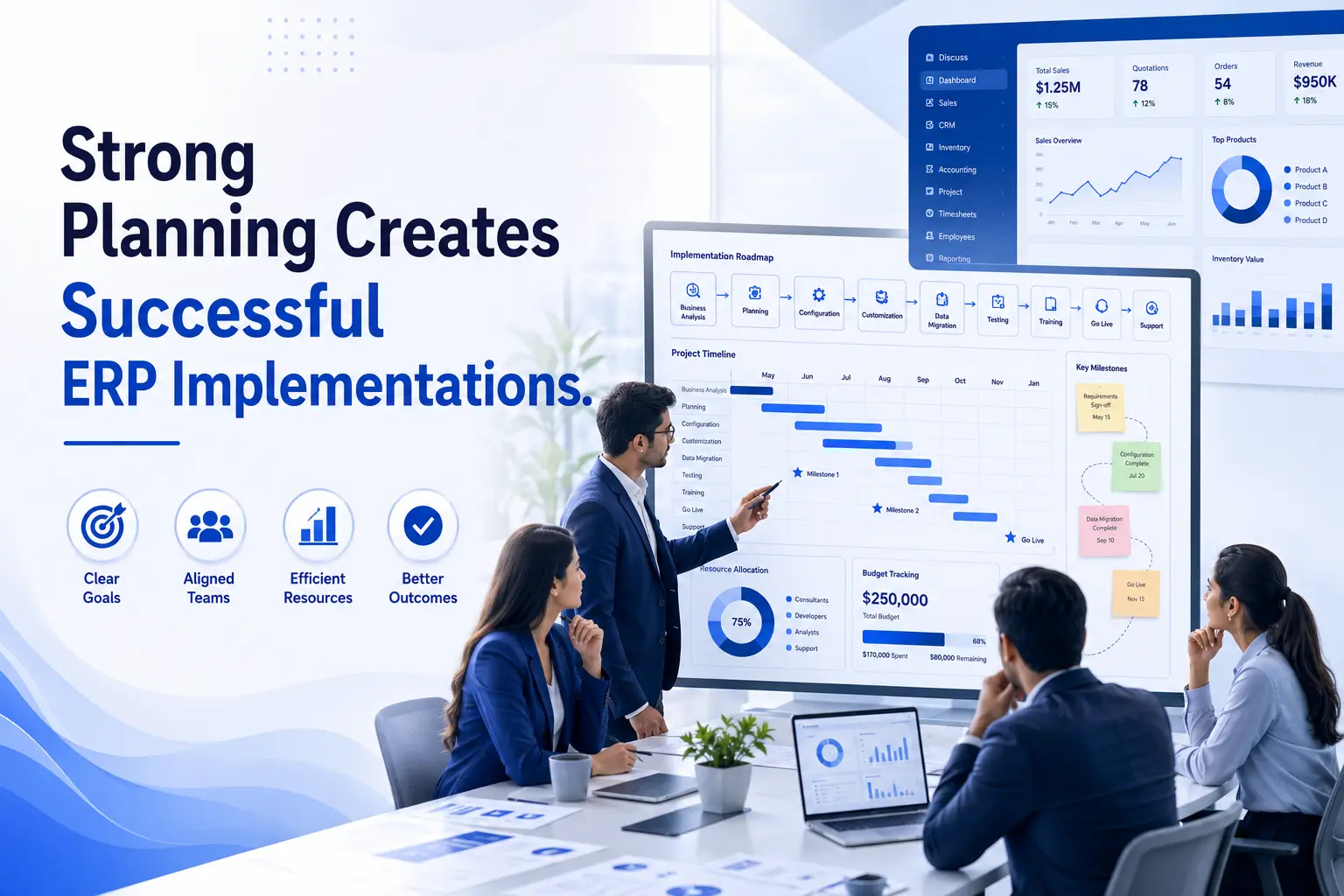
Once requirements are documented, planning turns them into a project a team can actually execute against.
This phase sets the timeline, allocates resources, defines the budget, and lays out milestones that everyone - the implementation partner and the client's internal team - agrees to be measured against.
Many companies underestimate how much internal time an Odoo implementation requires from their own staff. It isn't just the vendor's job. Key users need to be available for workshops, testing, and decision-making throughout the project. A plan that doesn't account for internal bandwidth usually slips - not because the implementation partner is slow, but because approvals and feedback take longer than expected.
Team responsibilities should be assigned by name, not by department, at this stage. "Someone from finance will review this" is not a plan. "Priya from finance reviews the chart of accounts by Friday" is.
Phase 3: System Configuration
Configuration is where Odoo starts to look like the business it's being built for, rather than a generic ERP install.
This covers module setup, company settings, user roles and permissions, and the workflow rules that determine how documents move through approval chains. It's less glamorous than customization, and it's often where the real value gets built.
Teams often discover during configuration that some requirements gathered earlier need small adjustments. That's normal. Configuration is iterative, not a one-time setup completed and never revisited.
Getting user roles right at this stage matters more than most teams expect. Overly broad permissions create audit and security headaches later. Overly narrow permissions create bottlenecks where every approval routes through one person, which slows the business down instead of speeding it up.
Phase 4: Odoo Customization
Customization should be the exception, not the default. That's a principle experienced consultants repeat often, and it's worth explaining why.
Odoo, out of the box, covers a large share of standard business processes. Custom modules, custom reports, and custom dashboards should be reserved for genuine gaps - the workflows that make a business different from its competitors, not the workflows every business already has.
Another overlooked area is the long-term cost of customization. Every custom module needs to be maintained, tested, and potentially rebuilt during future Odoo version upgrades. A business that customizes aggressively in year one often pays for it in year three, when an upgrade breaks three custom modules nobody remembers the original reasoning behind.
Integrations with other business systems - payment gateways, shipping carriers, existing CRM tools - usually fall into this phase too, and they deserve early attention because they tend to reveal technical constraints that affect other parts of the build.
Phase 5: Data Migration
Data migration is where implementations quietly go over budget more often than anywhere else in the process.
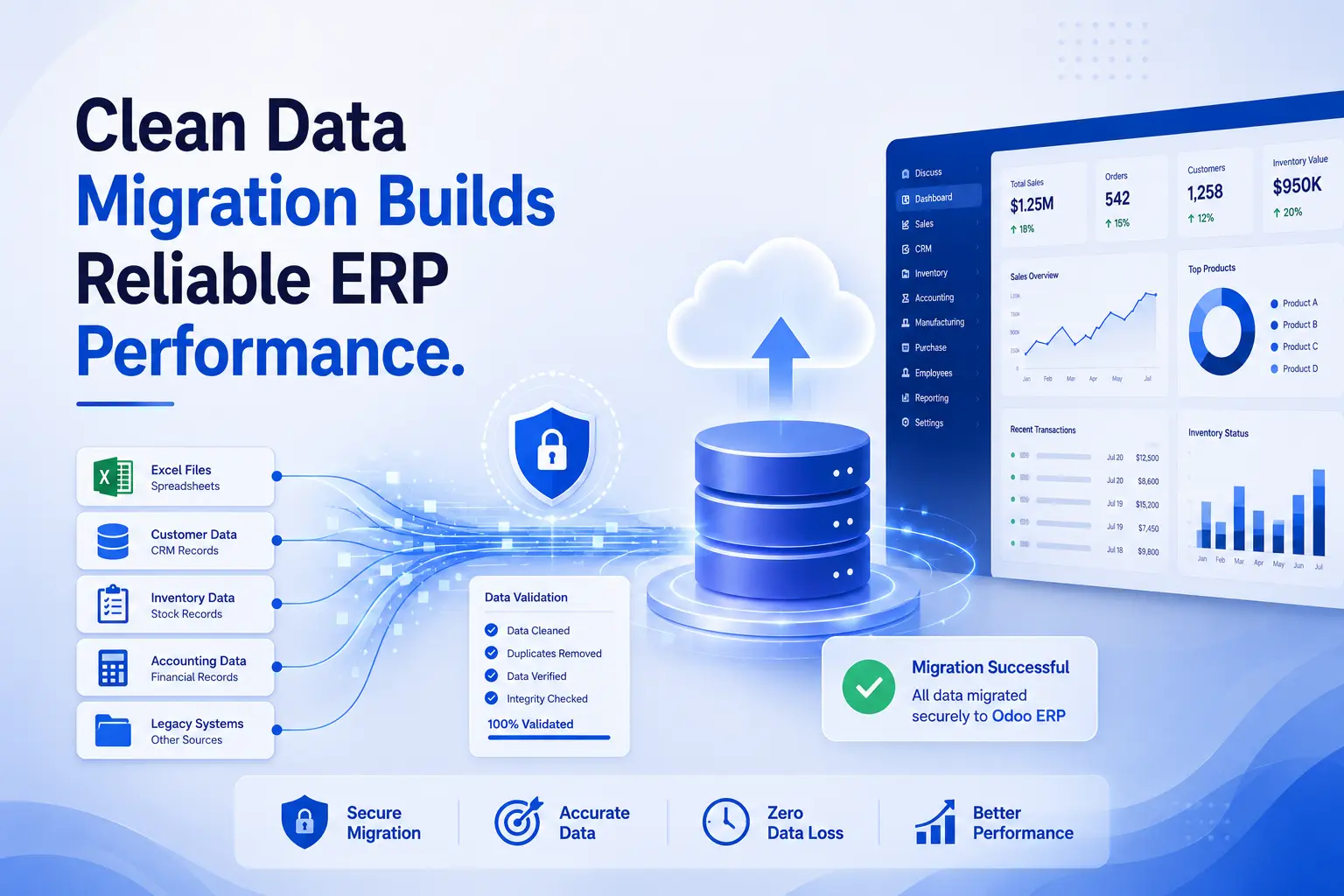
This phase covers moving customer records, product catalogs, vendor data, inventory counts, and financial history from old systems into Odoo. On paper it sounds mechanical. In practice, legacy data is almost never clean.
Common migration mistakes include migrating everything instead of migrating only what's actually needed, underestimating the time required to de-duplicate customer and vendor records, and failing to reconcile opening balances before go-live - which creates accounting headaches that can take weeks to untangle after the system is already live.
A practical approach is migrating a subset of data first, validating it thoroughly, and only then moving the full dataset. Teams that migrate everything in one pass tend to find errors after go-live, when fixing them is far more disruptive.
Phase 6: Testing and Quality Assurance
Testing exists to catch problems while they're still cheap to fix.
Functional testing checks whether each module works as configured. User testing - sometimes called UAT - checks whether the people who will actually use the system every day can complete their real tasks in it, not just the ideal-case scenarios a consultant might test.
Bug fixing during this phase should be tracked and prioritized, not handled ad hoc. Performance testing, particularly for businesses with high transaction volumes, deserves more attention than it usually gets. A system that works fine with ten test records can behave very differently with ten thousand live ones.
In our experience, the businesses that skip or shorten user testing are the same ones that call two weeks after go-live asking why nobody can process an order the way they used to.

Phase 7: User Training
A system nobody knows how to use isn't really live, even if it's technically deployed.
Training should be role-specific. A warehouse team needs different training than the finance team, and lumping everyone into one generic session usually means nobody gets what they actually need.
Documentation matters here too - not lengthy manuals nobody reads, but short, task-specific guides that answer "how do I do X" for the handful of tasks each role performs daily.
Adoption strategies that work well include appointing internal champions in each department who become the go-to person for quick questions, rather than routing every small doubt back to the implementation partner. It keeps momentum going and reduces the sense that the new system is something imposed from outside.
Phase 8: Go Live
Go-live is the moment the project stops being theoretical.
A solid go-live checklist covers data validation one final time, confirming backups are in place, verifying integrations are functioning, and making sure support channels are staffed and ready for the first few days.
Monitoring in the first 48 to 72 hours after go-live deserves more attention than most teams give it. This is when unexpected issues surface - not because the implementation was done poorly, but because live data and live usage patterns always reveal something testing didn't catch.
Immediate support during this window should be fast and visible. A slow response to a go-live issue does more damage to user confidence than the issue itself usually would.

Go-Live Checklist
|
Checklist Item |
Status |
|---|---|
|
Final data validation completed |
☐ |
|
Backups confirmed and tested |
☐ |
|
Integrations verified in production |
☐ |
|
User roles and permissions re-checked |
☐ |
|
Support team staffed for first 72 hours |
☐ |
|
Rollback plan documented |
☐ |
Phase 9: Post Implementation Support
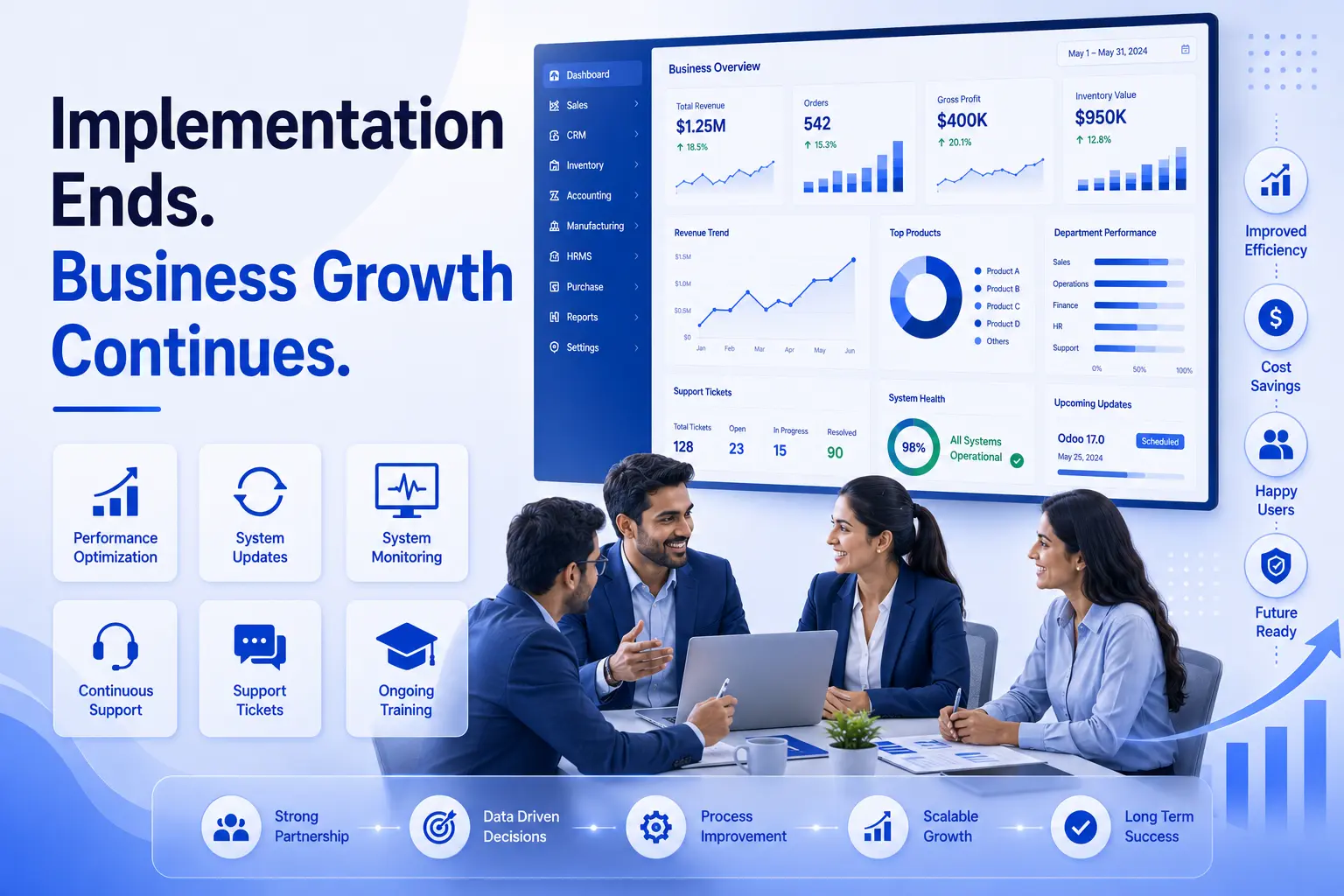
Implementation doesn't really end at go-live. It shifts into a different phase.
Ongoing maintenance covers bug fixes, minor configuration adjustments, and answering the questions that only come up once people have used the system for a few weeks. Odoo also releases new versions periodically, and planning for upgrades early avoids the scramble that happens when a business waits until an old version is no longer supported.
Performance optimization and continuous improvement are where a lot of long-term value gets created. Businesses that treat post-implementation support as an ongoing relationship - not a one-time handoff - tend to get more value out of Odoo over time, because the system keeps evolving alongside the business instead of staying frozen at whatever state it was in on launch day.
Common Challenges During Odoo Implementation
A few problems show up across almost every troubled implementation, regardless of company size or industry.
- Poor planning - timelines set without input from the people doing the actual work.
- Incomplete requirements - gaps that surface during customization instead of during discovery.
- Budget overruns - usually traced back to scope changes that were never formally approved.
- Lack of training - a technically successful deployment that employees quietly avoid using.
- Data migration errors - duplicate records, mismatched fields, and unreconciled opening balances.
None of these are unique to Odoo. They're implementation risks common to any ERP rollout. What changes the outcome is whether a team catches them early or discovers them after go-live.
Best Practices for Successful Odoo Implementation
- Define clear objectives before evaluating a single module.
- Choose consultants who ask about your workflow, not just your feature list.
- Involve end users early, not just department heads.
- Test with realistic data volumes, not sample records.
- Keep customization minimal and document the reasoning behind each one.
- Monitor performance and user feedback continuously after go-live.
How Odiware Simplifies Every Odoo Implementation Phase
Every phase described above sounds straightforward on paper. In practice, the businesses that struggle usually aren't lacking effort - they're lacking a structured approach and someone who has done this enough times to spot problems before they become expensive.
Odiware's approach to Odoo Implementation Services starts with discovery and structured planning, moves through configuration and customization that stays close to Odoo's standard capabilities wherever possible, and treats data migration and training as first-class phases rather than afterthoughts squeezed in before go-live.
For businesses evaluating consultants, our Odoo Consulting Services team spends real time in the requirement analysis phase, because that's where most of the long-term success of an implementation gets decided.
When legacy data is involved, our Odoo Migration Services process is built around validating a sample dataset before committing to a full migration - the same practical approach described in Phase 5 above.
Support doesn't stop at go-live either. Post-implementation support, performance tuning, and version upgrades continue as part of an ongoing relationship, not a one-time handoff. Businesses weighing the investment can also review our Odoo Implementation Cost Guide or compare platforms in our breakdown of Odoo ERP vs ERPNext before finalizing their decision.
Frequently Asked Questions
How many phases are there in Odoo implementation?
Most Odoo implementations follow nine core phases - requirement analysis, planning, configuration, customization, data migration, testing, training, go-live, and post-implementation support. Some partners combine or split a few of these, but the underlying work stays the same.
How long does Odoo implementation take?
A straightforward implementation for a small business can take 8 to 12 weeks. Mid-sized companies with multiple modules and integrations often need 4 to 6 months. Heavy customization or multi-location rollouts can extend well beyond that.
Which phase takes the most time?
It varies by business, but customization and data migration are usually the two phases most likely to run longer than expected, especially when legacy data is messy or requirements weren't fully scoped upfront.
What happens after go-live?
The project shifts into post-implementation support - bug fixes, minor adjustments, user questions, and eventually planning for future version upgrades. This phase is ongoing rather than time-boxed.
Can Odoo implementation be done without customization?
Yes, and for many businesses this is the recommended path. Odoo's standard modules cover most common workflows. Customization should only be added where a genuine business-specific gap exists.
How much does Odoo implementation cost?
Cost depends on the number of users, modules, customization requirements, and data volume. Small deployments can start in the low thousands of dollars, while enterprise-level rollouts with heavy customization can run significantly higher.
What are the common risks in Odoo implementation?
Incomplete requirement gathering, unrealistic timelines, unreconciled data during migration, insufficient user training, and scope creep without formal change control are the risks that show up most often.
Do we need a dedicated internal team during implementation?
Not a full team, but you do need key users available for workshops, testing, and approvals throughout the project. Implementations that treat this as optional tend to fall behind schedule.
Is Odoo suitable for small businesses as well as large enterprises?
Yes. Odoo's modular structure means small businesses can start with a few core apps and expand later, while larger enterprises can deploy a broader set of modules with deeper customization from the start.
How is data migration handled safely?
Through a phased approach - cleaning and validating a sample dataset first, checking it against the source system, and only then migrating the complete dataset, with financial data reconciled before go-live.
What is the difference between configuration and customization?
Configuration uses Odoo's existing settings and options to match your business processes. Customization involves building new functionality - custom modules, reports, or workflows - that doesn't exist in standard Odoo.
Who should be involved in the requirement analysis phase?
Not just decision-makers. The employees who will actually use the system daily - sales staff, warehouse teams, accountants - should be part of these conversations, since they know the real workflow better than anyone.
Conclusion
Odoo implementation phases exist because ERP rollouts are complex enough that skipping structure almost always costs more than following it. Requirement analysis sets the direction. Planning and configuration build the foundation. Customization and migration shape the system around the business. Testing, training, and go-live determine whether employees actually adopt what's been built. And support keeps the system useful long after the project technically ends.
None of these phases are difficult in isolation. What makes implementations succeed or struggle is whether they're handled with the right sequence, the right attention at each step, and a partner who has seen enough projects to know where the risks usually hide.
If your business is planning an Odoo rollout, Odiware's Odoo Implementation Services team can walk you through a structured discovery conversation before any commitments are made - the same first step described in Phase 1 of this guide.
Get a free 30-minute review with an Odiware Odoo consultant — bring your current setup and we'll map the fastest route to a working configuration.
 ODOO IMPLEMENTATION PARTNER