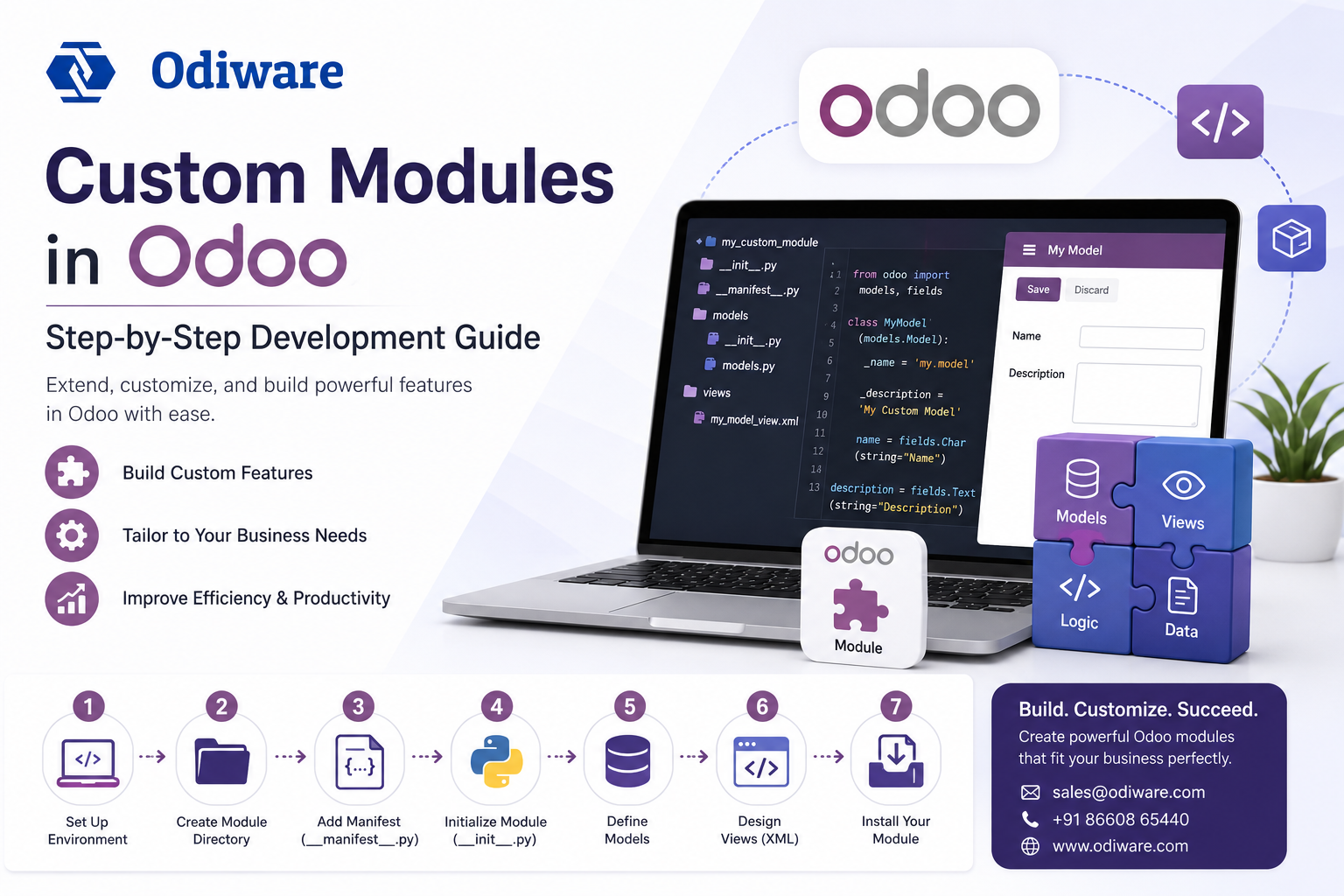
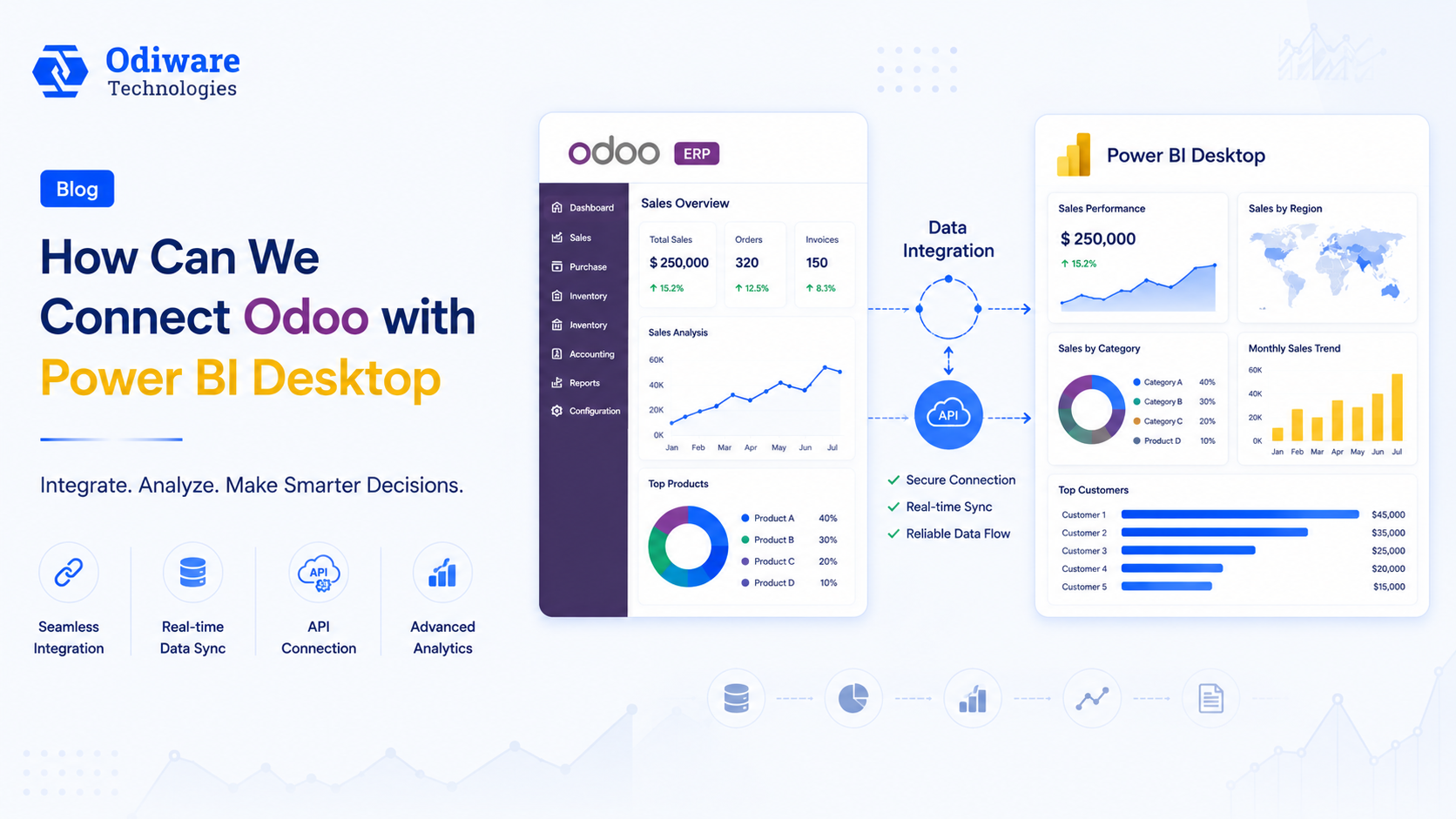
Build custom Odoo modules, connect Odoo to the external systems your business already runs on, and pipe live Odoo data into the BI tools your leadership team actually looks at.
Odoo's configuration layer covers most standard workflows, but real businesses eventually need something the base install doesn't do out of the box — a custom approval flow, a field that doesn't exist yet, or a live feed into a system Odoo doesn't natively talk to. This guide collects our development-focused articles on building custom modules, working with Odoo's API for external integrations, and connecting Odoo to business intelligence tools like Power BI, so your in-house developers (or ours) have a clear starting point instead of piecing it together from the Odoo developer docs alone.
Not every customization needs a developer. If you're changing field visibility, approval steps, or simple automations, check our Getting Started guide first — Odoo Studio and no-code tools solve a surprising amount of this without touching Python.
Odoo's XML-RPC/JSON-RPC API and webhook-style automation rules cover most integration needs — syncing leads from a marketing tool, pushing invoices to a payment gateway, or feeding manufacturing data to a BI dashboard — without needing a full middleware layer for simple cases.
One-off scripts are reasonable to build in-house. Version-controlled custom modules that need to survive Odoo upgrades, security review, and multi-module dependency management are where an experienced Odoo development partner earns its cost back in avoided rework.
Our developers build and maintain custom Odoo modules and integrations that survive version upgrades — not throwaway scripts.
 ODOO IMPLEMENTATION PARTNER
 Book a free consultation for Odoo implementation, customization, migration and support — tailored to your workflows.
Official Odoo partner team for configuration, customization and go-live.
Clear timelines and a proven implementation process.
Ongoing support plans after your Odoo system is live.
Share your details and our team will get back to you.