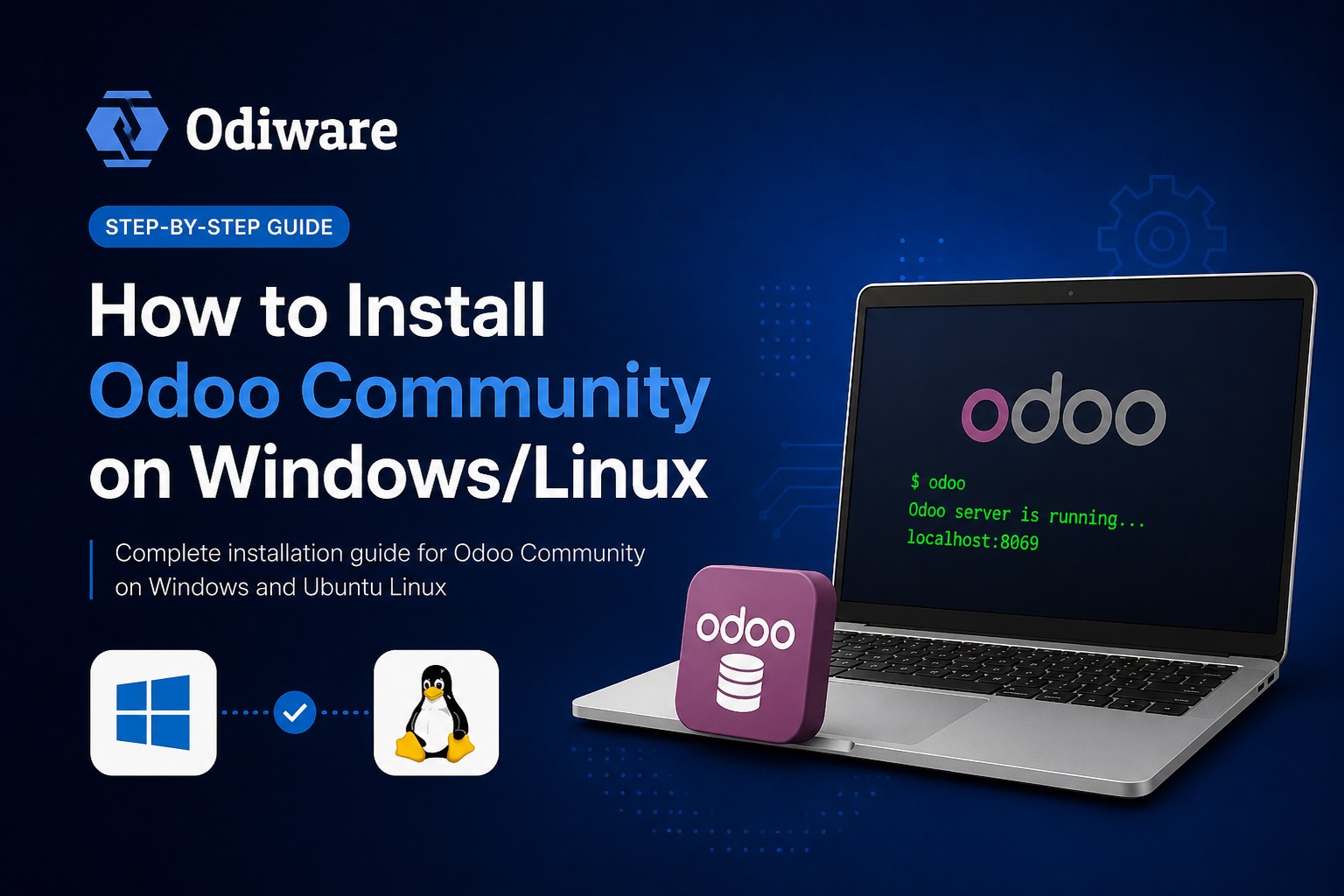
Install, configure, and start customizing Odoo Community Edition — and know exactly when self-hosting stops being the cheaper option and a partner starts paying for itself.
Odoo Community Edition is free, open-source, and genuinely capable — for a business testing whether Odoo fits before committing budget, self-hosting the Community Edition is often the right first move. This guide brings together our step-by-step installation, customization, and configuration articles into one place, so you can go from a blank server to a working, branded Odoo instance without piecing it together from scattered search results. It's written for technical founders, in-house developers, and IT teams doing their own evaluation before deciding whether to bring in an implementation partner.
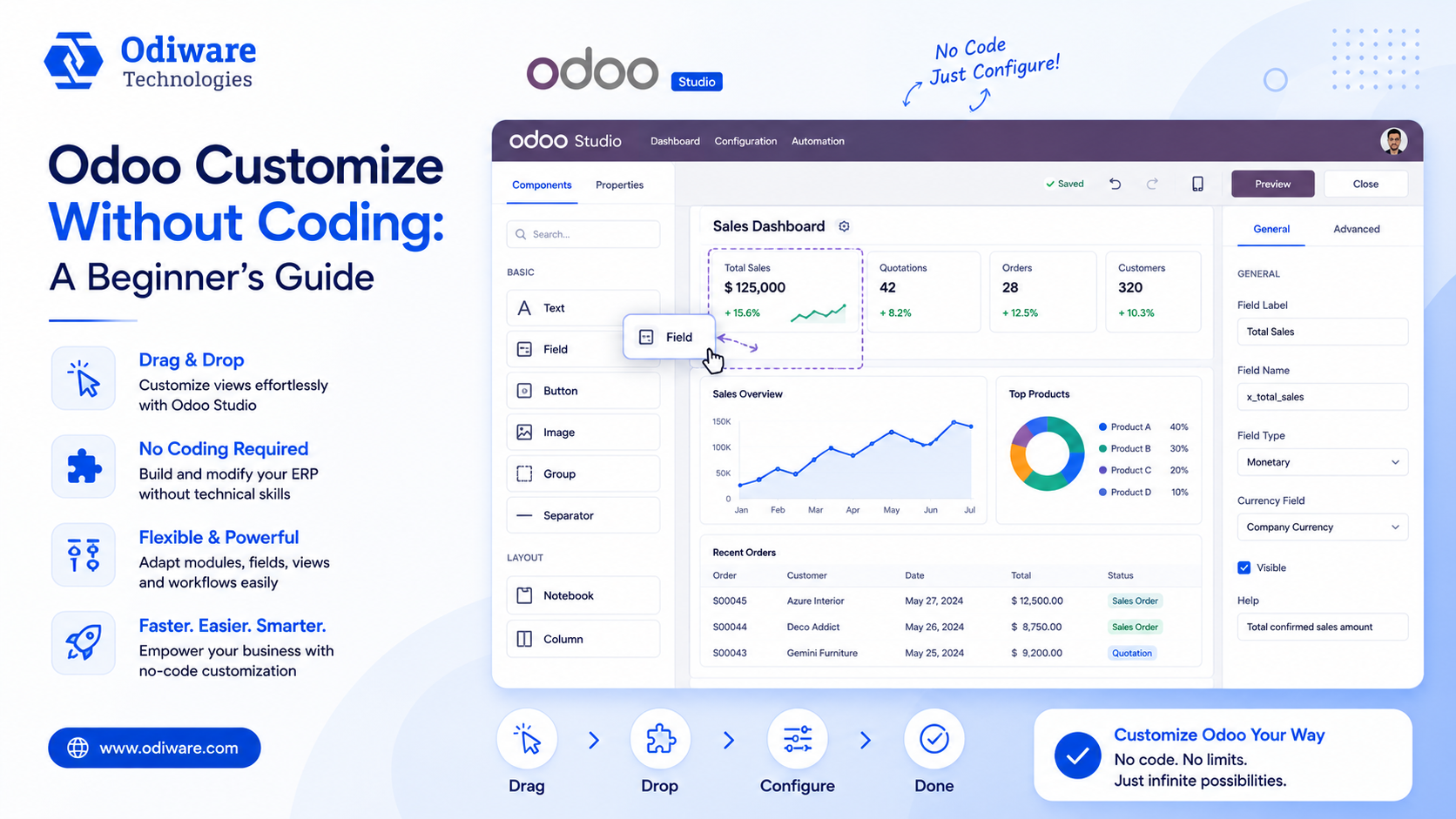
Community Edition covers core sales, inventory, and accounting well, but Enterprise-only modules (advanced manufacturing, full HR, studio customization) aren't available at any price on Community. Check the full edition-by-edition breakdown on our Odoo pricing page before you build on top of Community and hit a wall later.
A working local install and a production-ready one are different problems: backups, update strategy, and access control all need to be solved before real business data goes in. Our Administration & Maintenance guide covers backup strategy and permissions in depth.
Self-hosting Community Edition makes sense for evaluation and small, simple deployments. Once you need custom modules, multi-entity accounting, payroll compliance, or a migration from an existing system, the cost of getting it wrong yourself usually exceeds the cost of a partner getting it right the first time.
Odiware customizes and supports Odoo deployments of every size — from a self-hosted Community instance that needs hardening to a full Enterprise rollout.
 ODOO IMPLEMENTATION PARTNER
 Book a free consultation for Odoo implementation, customization, migration and support — tailored to your workflows.
Official Odoo partner team for configuration, customization and go-live.
Clear timelines and a proven implementation process.
Ongoing support plans after your Odoo system is live.
Share your details and our team will get back to you.