Invoicing, discounts, multi-currency accounting, and vendor bills — configured correctly the first time, with the reporting clarity your finance team actually needs.
Odoo Accounting is powerful enough to run multi-entity, multi-currency finance operations, but the defaults rarely match how a specific business actually invoices, discounts, and reports. This guide brings together our accounting configuration articles — from applying discounts and running multiple currencies to managing vendor bills and reading sales figures correctly — so your finance team can configure Odoo to match your actual invoicing and reporting practices, not the other way around.
If you invoice across regions — like our clients running operations in Canada or Singapore alongside India — currency configuration needs to be right before your first cross-border invoice goes out, not fixed retroactively across a quarter of records.
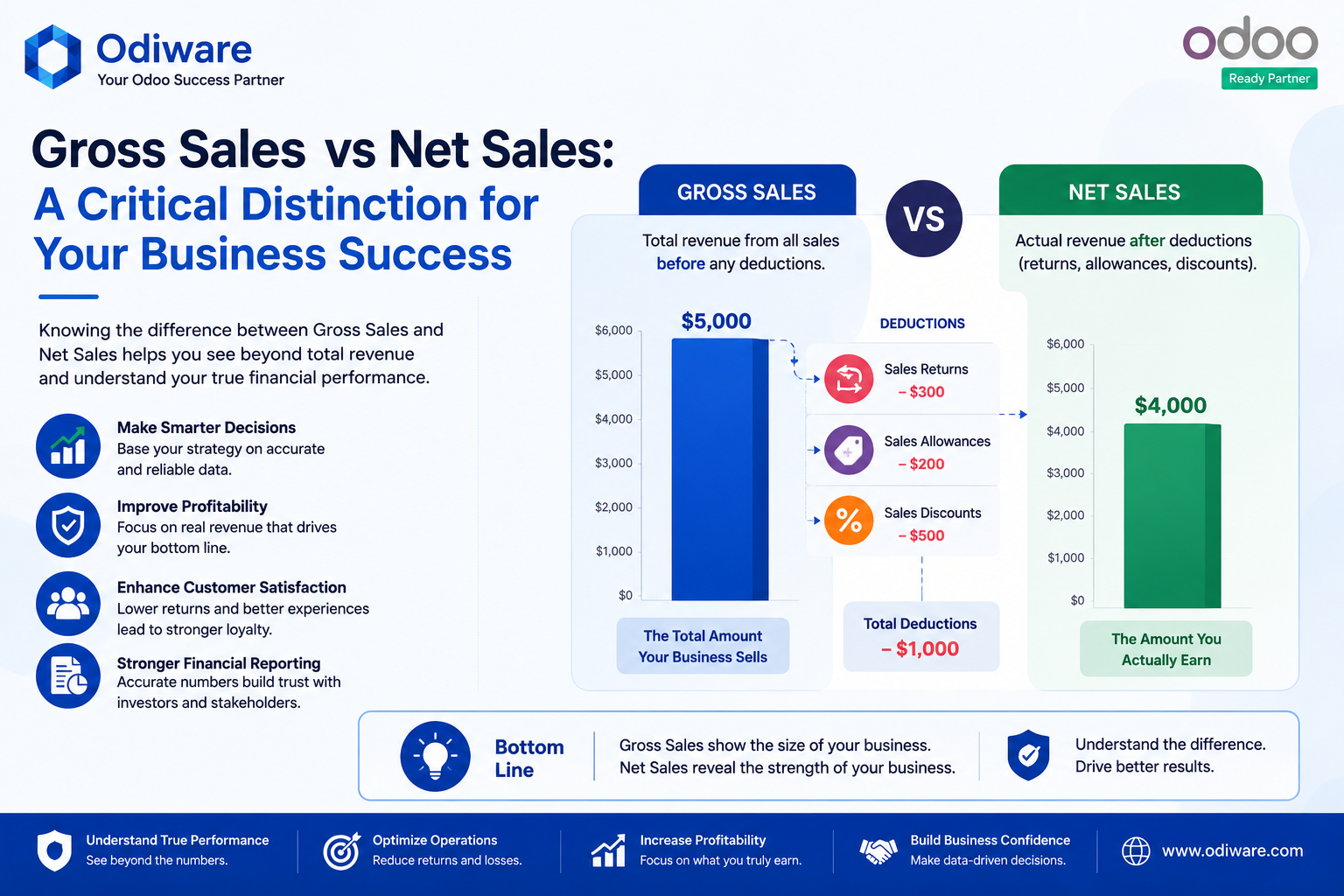
Gross sales and net sales tell different stories, and conflating them in a board report is an easy, avoidable mistake. Configure your chart of accounts and reporting tags so the numbers finance pulls are the numbers leadership actually needs.
Recording vendor bills consistently — with the right approval chain and matching against purchase orders — is what makes month-end close fast instead of a reconciliation project every time.
Odiware configures Odoo Accounting and Invoicing around your real billing, currency, and reporting requirements — not a generic template.
 ODOO IMPLEMENTATION PARTNER
 Book a free consultation for Odoo implementation, customization, migration and support — tailored to your workflows.
Official Odoo partner team for configuration, customization and go-live.
Clear timelines and a proven implementation process.
Ongoing support plans after your Odoo system is live.
Share your details and our team will get back to you.