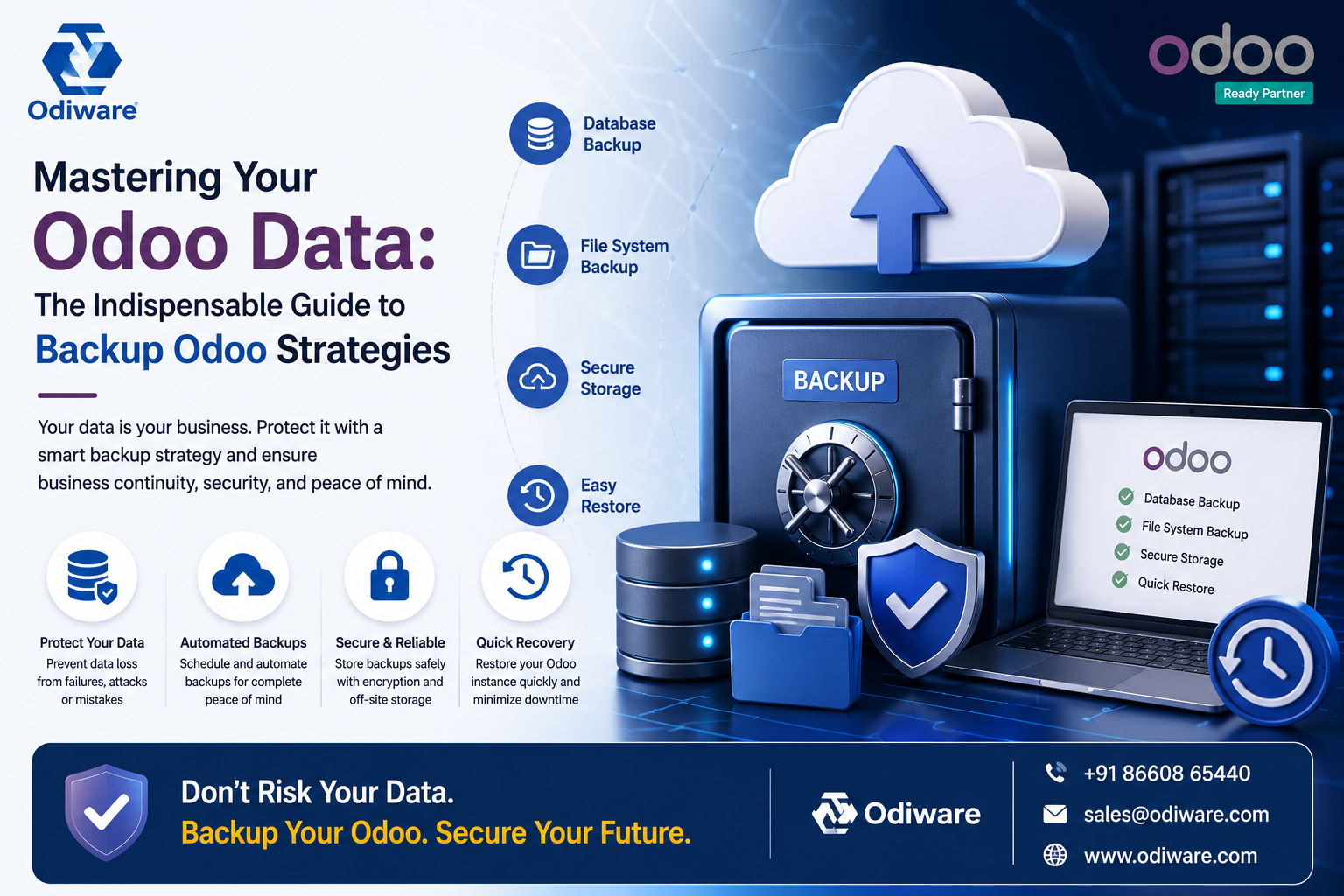
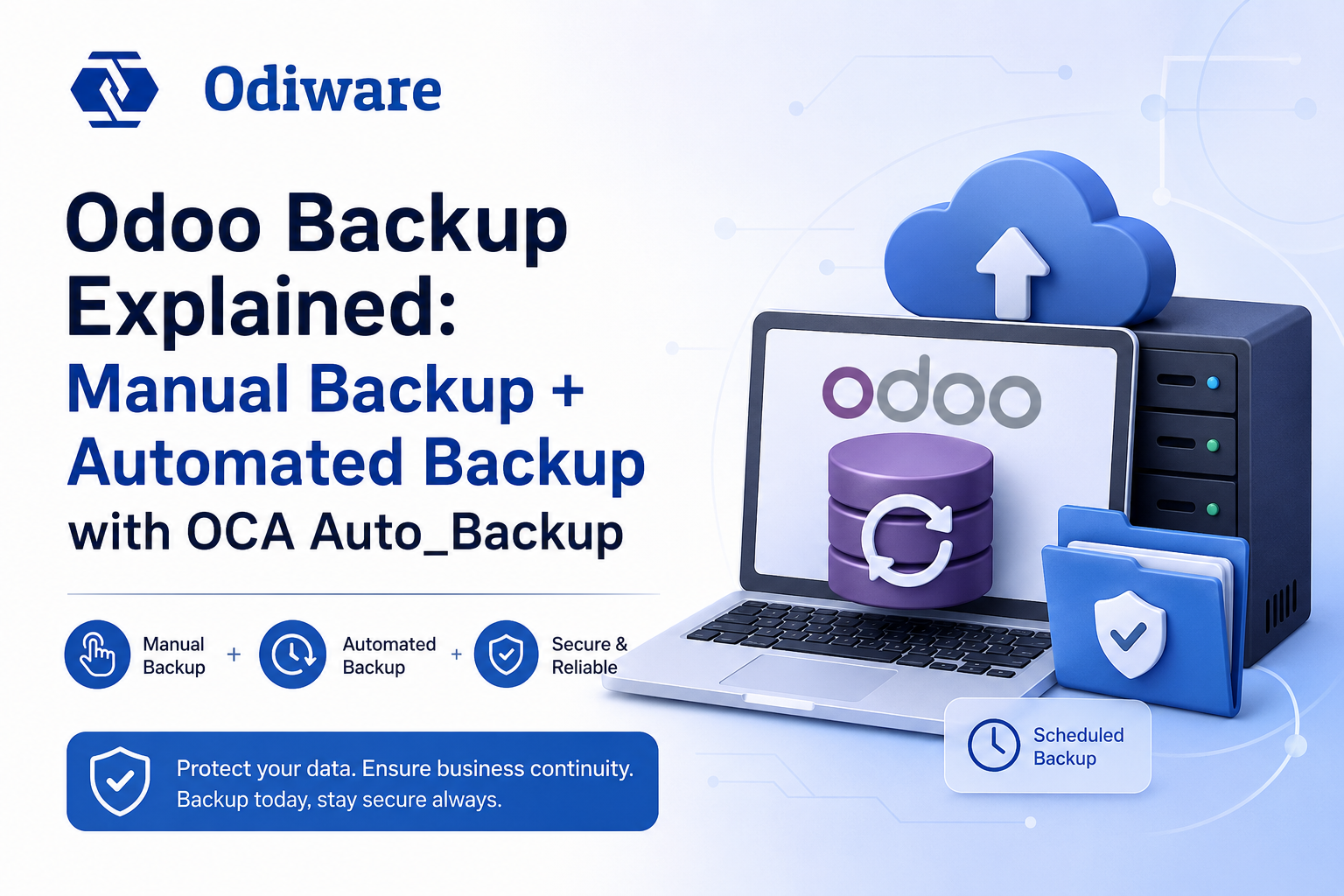
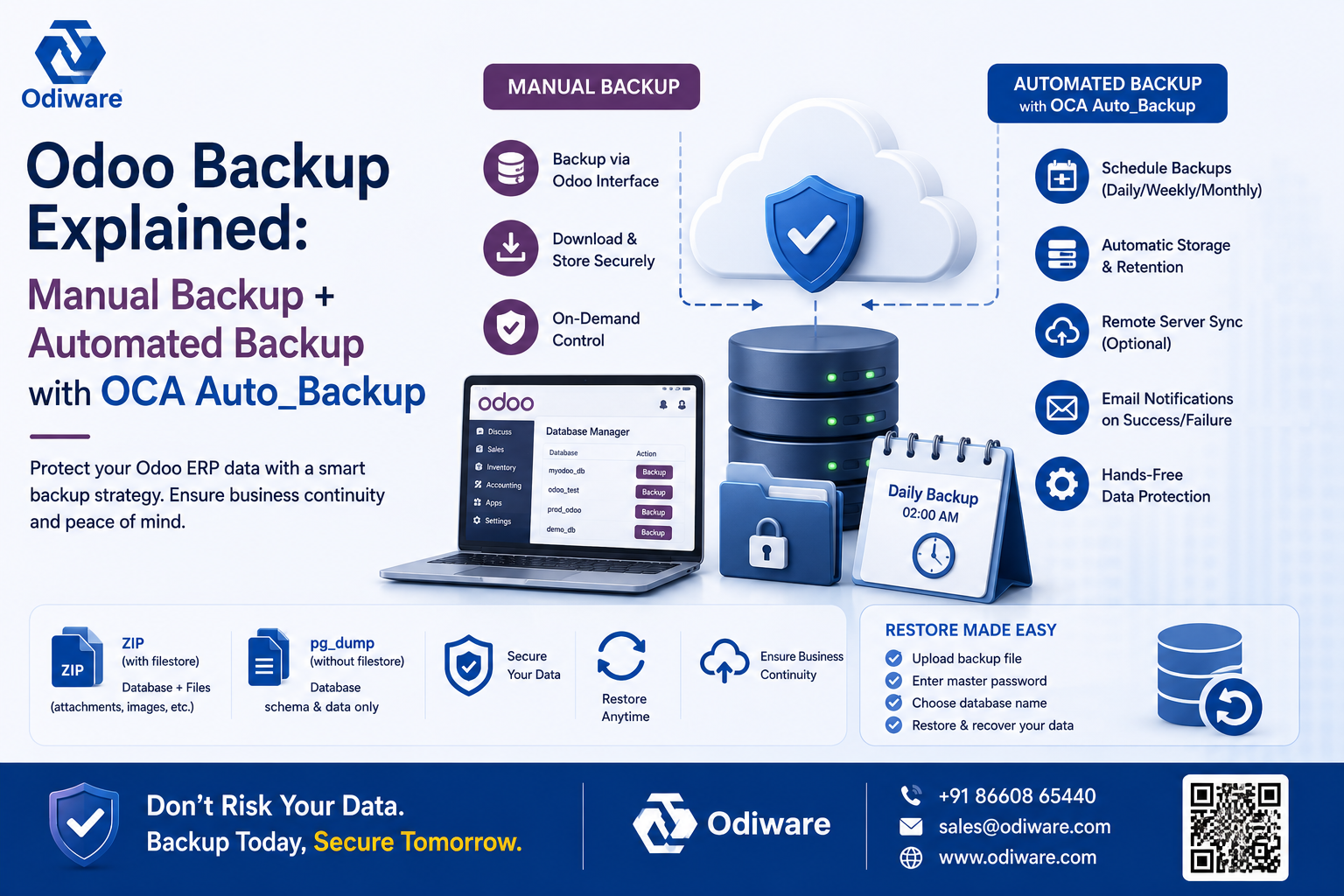
The unglamorous work that keeps a production Odoo instance safe: reliable backups, and access permissions that match your actual org chart.
Nobody notices administration and maintenance until it fails — a backup that silently stopped running, or a new module rollout that accidentally exposed sensitive records to the wrong team. This guide covers both sides of running Odoo responsibly in production: backup strategy (manual and automated, via the OCA auto_backup module) and access permission control when new modules are installed, so the operational basics stay solid whether you're self-hosting or on a managed deployment.
A backup schedule that runs is not the same as a backup strategy that's ever been test-restored. Automated backups via OCA auto_backup reduce human error, but someone still needs to own verifying the restore actually works.
Every new module installed adds new access-control surface area. Reviewing permissions when a module is added — not just at initial rollout — is what keeps access matching your actual org chart as Odoo grows with the business.
Backup and permission changes are exactly the kind of low-visibility work worth validating before go-live, not after an incident — see our Odoo Testing Services for how we validate this as part of a rollout.
Odiware's support plans include backup verification and access-control review as standard, not an afterthought.
 ODOO IMPLEMENTATION PARTNER
 Book a free consultation for Odoo implementation, customization, migration and support — tailored to your workflows.
Official Odoo partner team for configuration, customization and go-live.
Clear timelines and a proven implementation process.
Ongoing support plans after your Odoo system is live.
Share your details and our team will get back to you.